Is the Adventurer 5M Still Worth It in 2026?

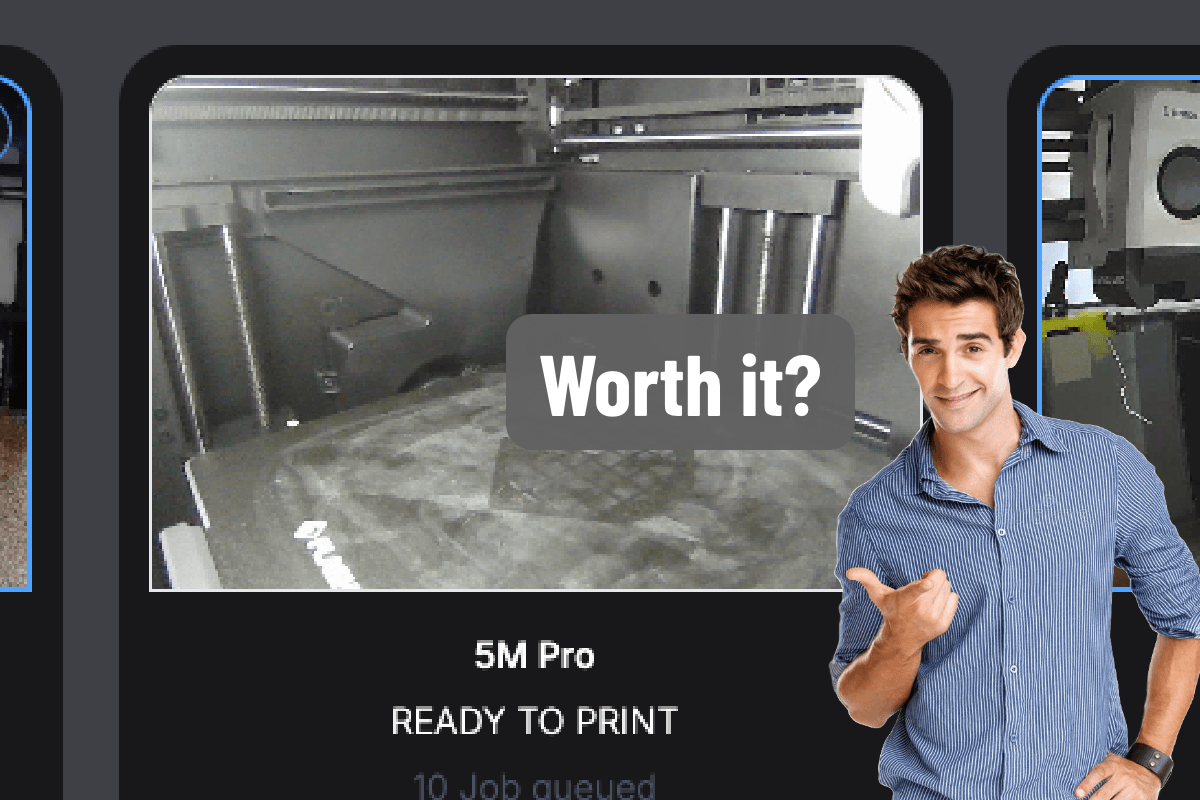
A recent thread on r/FlashForge asked a simple question: is the Adventurer 5M Pro still worth it in 2026?
It's a fair question. The 5M has been out for a while, and most of the noise in 3D printing this year has been about multicolor and tool changers. New machines like the Snapmaker U1 and the Flashforge Creator 5 Pro can print four or more materials in one job, and they're impressive.
Our answer is simple: yes, absolutely. The Adventurer 5M and 5M Pro are among the most popular printers on Polar Cloud, and they have one of the best all-around Polar Cloud integrations of any printer we support. And judging by that thread, owners agree.
What owners are saying
The replies were close to unanimous. The most common theme? These printers just don't stop.
"I have an AD5M in use constantly, over 1500 hours and still perfect."
"I've gotten over 1800 hours on my first one and its still going."
"Mine is printing 24/7. I love it, and its worth it. My 2 Enders sit unused."
"It's still my workhorse, 225 hours strong. I've bought two printers after."
One owner summed up the value in a sentence: "It's hard to find a better value." Another put it more bluntly: "Mine never stops running. Prints dnd armies like no other once you dial it in. Buy it!"
Beginners chimed in too. One person bought it two months ago as their first printer: "It runs non stop. It is my first printer and I have no regrets." A 5M Pro owner said they've had "very few issues that weren't my fault" and called it "easy to set up and maintain."
Most people don't need multicolor
Multicolor printing is fun. It's also not what most people print most of the time.
Think about what actually comes off a printer on a normal day: a replacement knob for the dishwasher, a bracket for a shelf, a phone stand, a prototype for a class project, a part that's going to be tested and thrown away and printed again. None of that needs four colors. It needs a printer that starts reliably, prints fast, and doesn't fight you.
One owner in the thread runs three 5Ms and an AD5X and still says: "I dont really do multicolor as I paint most of my stuff." A lot of people are fixing things around the house, painting minis, or just learning the hobby, and a single-color printer that just works is exactly the right tool.
Then there's the price. Multi-tool and multicolor machines like the U1 and the Creator 5 Pro start at $800 and up. The Adventurer 5M lists around $299 and the 5M Pro around $449, and both go on sale often (we've seen the 5M go even lower). For the price of one multicolor machine, you can often put two or three 5Ms on a bench.
It's still fast
The 5M is a CoreXY printer, and it was built for speed from day one. Fast motion, quick heat-up, and automatic bed leveling mean you spend your time printing, not tuning.
In 2026, "fast" isn't a novelty anymore, but the 5M still keeps up with printers that cost a lot more. For everyday parts, you won't feel like you're on an old machine.
Maintenance is easy
This is where the 5M really shines for beginners and classrooms.
The quick-change nozzle swaps in seconds. No wrestling a hot nozzle out with a wrench, no re-tuning afterward. If a nozzle clogs or you want a different size, you pop it off and put a new one on. (If you want an upgrade, we've written about a great third-party nozzle for the 5M and 5M Pro.)
That matters a lot when the person fixing the printer is a teacher between classes, or someone who just got into printing last month.
Networking that works on school networks
Both the 5M and the 5M Pro have 5GHz Wi-Fi and a wired Ethernet port. That sounds like a small thing until you've tried to get a printer online in a school building. Having a 5GHz band and Ethernet gives your IT team options, and Ethernet is often the most reliable way to keep a printer connected in a busy building.
Room to grow
The 5M is simple out of the box, but it doesn't box you in. As one owner put it: "They're cheap but they're capable... There's also enough of an ecosystem around them that you can upgrade them." Owners mention Orca Slicer profiles, aftermarket nozzles and hot ends, and community firmware like ZMOD and Forge-X for people who want more control.
None of that is required. The stock printer prints really nicely on its own, and the stock firmware is the one with Polar Cloud built in. But it's nice to know there's somewhere to go as you learn more about 3D printing.
5M or 5M Pro?
Under the hood, they're the same printer: same speed, same quick-change nozzle, same networking, same Polar Cloud integration. The 5M Pro adds:
- A built-in camera. This is the biggest one. You can watch every print live from Polar Cloud or the mobile app without walking over to the printer. The standard 5M can get one too: Flashforge's official camera kit adds it for about $40 and installs in a few minutes.
- A full enclosure. It keeps curious hands away from the hot end and moving parts, keeps drafts off the print, and makes materials beyond PLA easier to print. One owner in the thread added an enclosure to their 5M for exactly that reason: "I do print with a lot of non-PLA."
- Dual-layer filtration, with a HEPA filter and activated carbon, to help clean up particles and odors from the chamber. That's a big deal in a classroom, a library, or a home office.
- A large blower fan on the side of the chamber for extra part cooling, which helps with overhangs, bridges, and fast PLA prints.
If you're buying for a school, get the 5M Pro. The camera lets you check on every printer from your desk, and the enclosure and filtration are the difference between a printer you can leave in a classroom and one you have to keep an eye on. Add the fast printing, the two-minute nozzle swap, and networking that plays nicely with school IT, and it checks almost every box.
The Polar Cloud integration is one of the best
The Adventurer 5M and 5M Pro have Polar Cloud built right into their firmware. There's no Raspberry Pi, no plugin, and no computer to leave running. On the printer, tap Settings → Clouds → Polar 3D, enter your Polar Cloud username and PIN, and turn it on.
Once it's connected, you can:
- Slice and print from any browser, on a Chromebook, a laptop, or a tablet. Nothing to install.
- Watch the live camera feed and temperatures from Polar Cloud or the Polar Cloud mobile app.
- Queue prints and manage a whole room of printers from one dashboard.
- Let students submit jobs while the teacher stays in control of what actually prints.
- Use filament runout detection so a print pauses instead of failing when a spool runs dry.
For a classroom, that's the whole point. Students don't need accounts on a slicer, files don't need to move around on USB sticks, and the teacher can see every printer at once.
The honest downsides
Owners in the thread were fair about the trade-offs, and so are we:
- The build plate is on the small side. At 220 × 220 × 220 mm, this was the most common wish. "The only thing that gets me these days is I wish it had a larger build plate." If you print big cosplay pieces or large enclosures, you'll want something bigger.
- It's a no-frills machine. One owner called it "bare bones," which is fair. It's built to print, not to impress.
- It's not a fine-detail specialist. One 1500-hour owner said it's "not ideal for prints requiring fine resolutions," even though it's "never failed me."
- No multicolor. If you know you want to print multicolor models regularly, or combine materials in one print, a multi-tool machine is worth the extra money.
But if you want a printer that's fast, reliable, easy to fix, and works with Polar Cloud from the touchscreen, the 5M is still one of the best values out there.
Frequently asked questions
Is the Flashforge Adventurer 5M still worth buying in 2026?
Yes. It's still fast, easy to maintain, and much cheaper than the new multicolor machines. Owners regularly report well over 1,000 hours of printing on a single machine.
What's the difference between the 5M and the 5M Pro?
The 5M Pro adds a built-in camera, a full enclosure, dual-layer HEPA and activated carbon filtration, and a large side-mounted part cooling fan. Otherwise they're the same printer, including 5GHz Wi-Fi, Ethernet, and built-in Polar Cloud.
Can I add a camera to the standard Adventurer 5M?
Yes. Flashforge's official camera kit costs about $40 and installs in a few minutes. Once it's in, the live feed shows up in Polar Cloud just like on the 5M Pro.
Should I get the 5M or the 5M Pro?
If it's going in a school, a shared space, or anywhere people walk by, or you want to print materials beyond PLA, get the 5M Pro. For a home workshop on a budget, the standard 5M is a great pick, and you can add a camera later.
Do I need multicolor printing?
Probably not. Most useful prints, like repairs, brackets, prototypes, and school projects, are a single color. Plenty of people paint their prints instead.
How big is the Adventurer 5M build volume?
220 × 220 × 220 mm. That covers most everyday parts, but it's the most common thing owners wish were bigger.
Does the Adventurer 5M work with Polar Cloud?
Yes. Polar Cloud is built into the 5M and 5M Pro firmware. You connect from the printer's touchscreen in a couple of minutes.
Is the Adventurer 5M Pro good for schools?
Yes. It has a built-in camera, it's enclosed with HEPA and activated carbon filtration, it prints quickly, it has a quick-change nozzle, 5GHz Wi-Fi, and Ethernet, and it works with Polar Cloud's classroom tools out of the box.
The bottom line
Multicolor gets the headlines, but the 5M gets the work done. If you're learning, fixing things, or running a classroom, the Adventurer 5M is still worth it in 2026.
Already have one? Follow the Flashforge setup guide and create a free Polar Cloud account to start printing from any browser.
Subscribe for updates
Get Polar Cloud news and help delivered straight to your inbox.
More from the blog