It lays your model flat.
Imported a model on its side? Polar Print turns it so the most surface area sits on the plate and the least hangs in the air. Better grip on the first layer, fewer supports, cleaner prints.
The fastest way to print with default settings, no slicer required. Pick a printer and a filament, and Polar Print handles placement, settings, and supports. Use it when you need it, and open Build Plate for everything else.
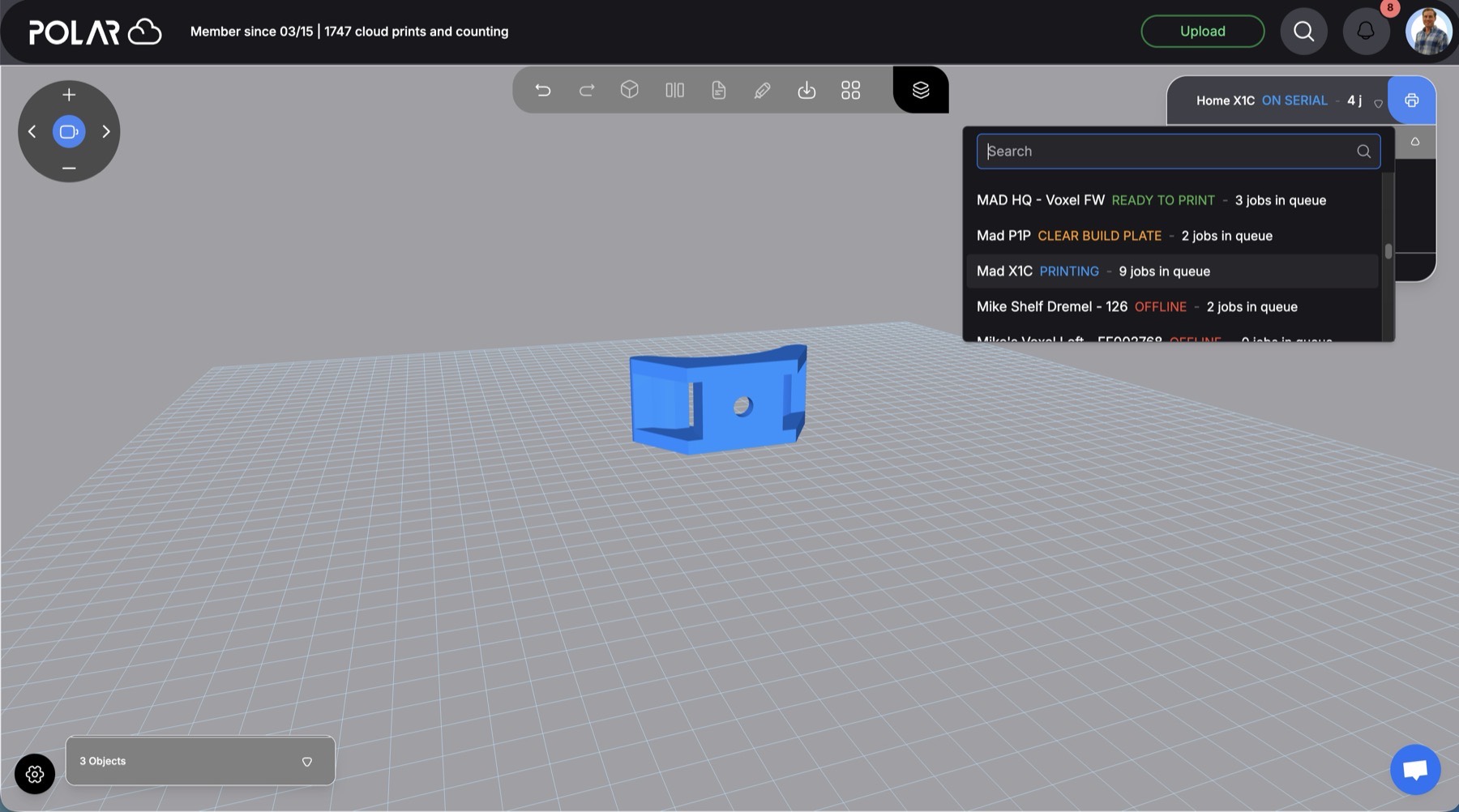
We'll place it on the plate and use your printer's recommended settings.
Interactive demo
One-click 3D printing: jobs reach your printer in seconds, and you can watch them start from any browser. Go ahead, send this one.
They're powerful tools, and Polar Cloud has spent a decade building that same depth into a web slicer. But most prints don't need forty decisions. Polar Print keeps simple 3D printing simple: two choices, and the rest is handled.
Every one of these is still in Build Plate when you want it.
Two choices on your end. Behind them, Polar Print makes the calls an experienced operator would.
Imported a model on its side? Polar Print turns it so the most surface area sits on the plate and the least hangs in the air. Better grip on the first layer, fewer supports, cleaner prints.
Pick an idle printer and the job starts as soon as it's sliced. If the printer is busy, offline, or already has jobs waiting, it joins the queue and runs in order. No babysitting either way.
Some jobs just need to print. Others need a closer look. Pick the right tool for each one, and switch whenever you like.
When you just want the part, printed quickly with default settings. Pick a printer and filament. Polar Print places the model, applies proven settings, adds supports where needed, and queues the job.
When a job needs a little more attention, open it in Build Plate, our web slicer. Cut a model to fit, mirror a part for the other side, scale, rotate, emboss text, and arrange the plate however you like.
Layer heights, wall loops, infill patterns, temperatures, and per-printer profiles. A decade of slicer depth for hobbyists and pros, with no install and nothing to keep in sync.
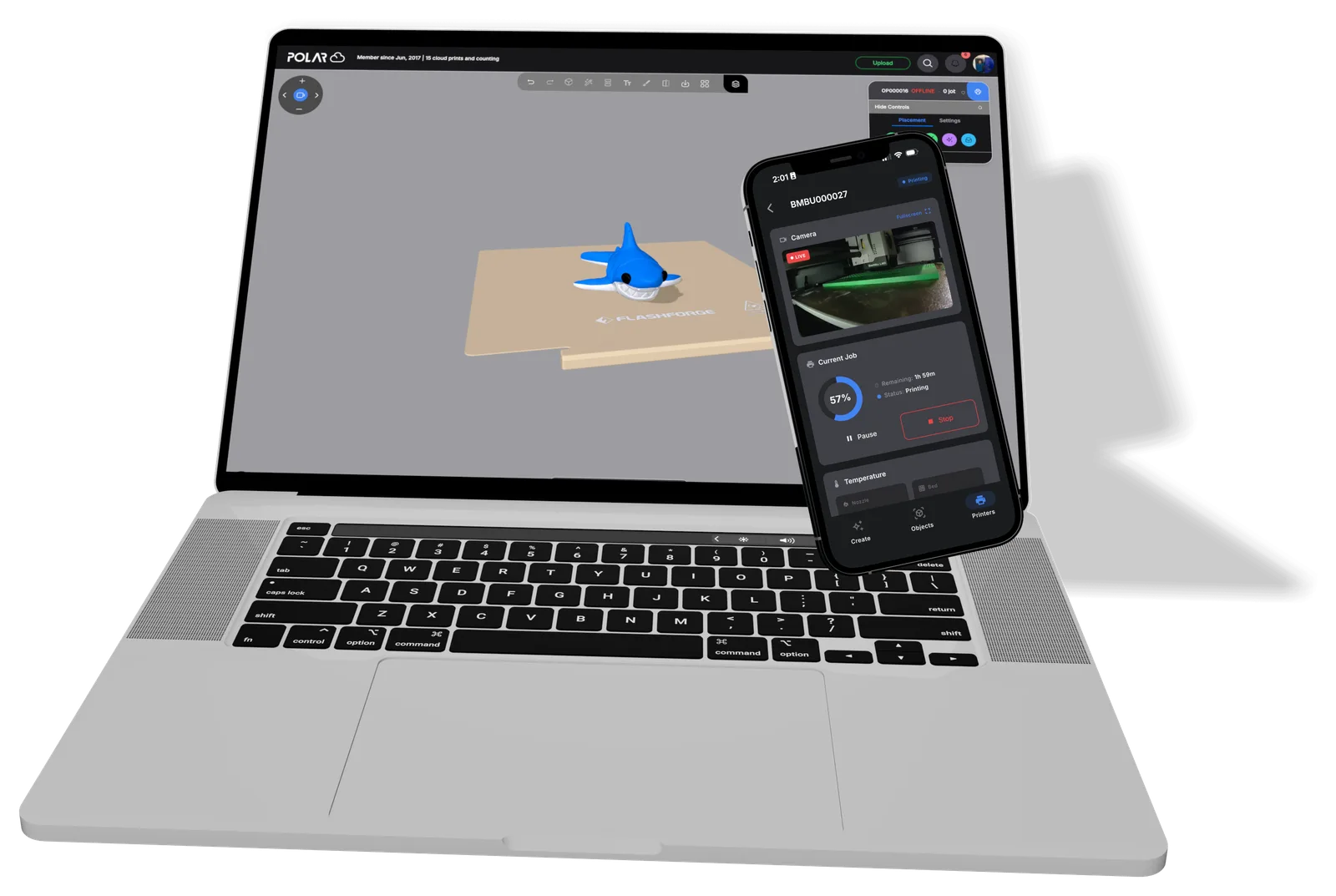
Set up a job on your laptop at the office, then check on it from your phone. Bambu Lab, Prusa, and more live in one app, so you can watch the camera, pause, or stop any of them. No second app, no separate login, and definitely no drive home.
3D print from any device:
Yes. With Polar Print you choose a printer and the filament that is loaded, and Polar Cloud slices the model for you: it places it on the plate, applies recommended printer and material settings, adds supports where needed, and queues the job. When you want more control, the full web slicer is one click away.
No. Build Plate and every advanced slicer setting are still in Polar Cloud. Polar Print is one more choice: use it when a job is simple, and open Build Plate when a job needs more attention.
A web slicer prepares 3D models for printing inside your browser instead of in desktop software. Build Plate, the Polar Cloud web slicer, lets you cut, mirror, scale, and arrange models and adjust every print setting, with nothing to install or keep updated.
Yes. Polar Print, Build Plate, and printer monitoring all run in the browser, so you can prepare, send, and watch prints from a Chromebook, iPad, phone, or desktop with nothing to install.
Yes. Bambu Lab, Prusa, Flashforge, and many other printers can live in one Polar Cloud dashboard, so you can check on all of them from one browser tab instead of separate apps.
PLA, PETG, and ABS. If your printer has an AMS, you pick the loaded filament slot instead, so the job always matches what is actually in the printer. Not sure? Start with PLA.
Polar Print turns it for you, so the largest flat area sits on the build plate and as little of the model as possible overhangs. That means better first-layer adhesion and fewer supports.
If the printer is idle with nothing waiting, the job starts as soon as it is sliced. If it is printing, offline, or already has jobs queued, your job joins the queue and runs in order.
Automatic supports are on by default and are only added where your model needs them. If the model has nothing to support, none are added.
If you upload G-code, there is nothing to set. Pick a compatible printer and the file goes straight to the queue.
Students can choose Request a Print to send their model to a teacher, librarian, or lab manager, who reviews and prints it through the same Polar Cloud workflow.