How to Add a Camera to Your Flashforge Adventurer 5M

The Flashforge Adventurer 5M Pro ships with a camera built in. The standard Adventurer 5M doesn't. That's fine when you're standing next to the printer, but the moment you walk away, you're printing blind.
The good news: Flashforge sells an official camera kit for the Adventurer 5M, and it costs about $40. It mounts inside the printer and plugs right in, and once it's installed you can watch your prints from anywhere.
$40 isn't much for some added peace of mind. Here's what you need and how to put it in.
What you need
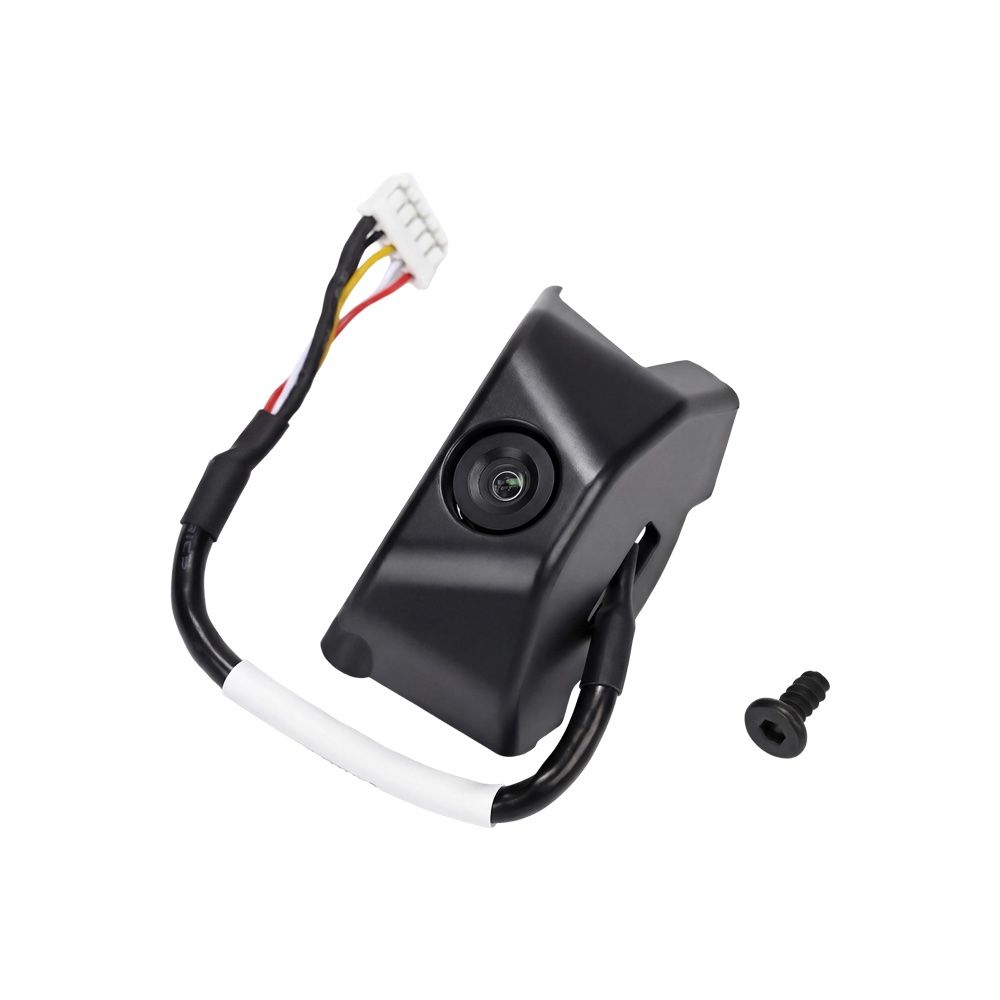
The part is the Flashforge Camera Kit for AD5X and AD5M, $39.99 from Flashforge. It's made for the Adventurer 5M and the AD5X.
You can also find it on eBay if that's easier for you. Just make sure the listing is for the AD5M camera kit.
The kit is small: a camera module with its cable and connector already attached, plus a mounting screw.
Installing the camera
The install takes a few minutes and doesn't need any special skills. I made a short video showing the whole thing:
Can't see the video? Watch it on YouTube.
A few tips before you start:
- Power the printer off and unplug it before you plug the camera in.
- Route the cable neatly so it stays clear of the moving parts.
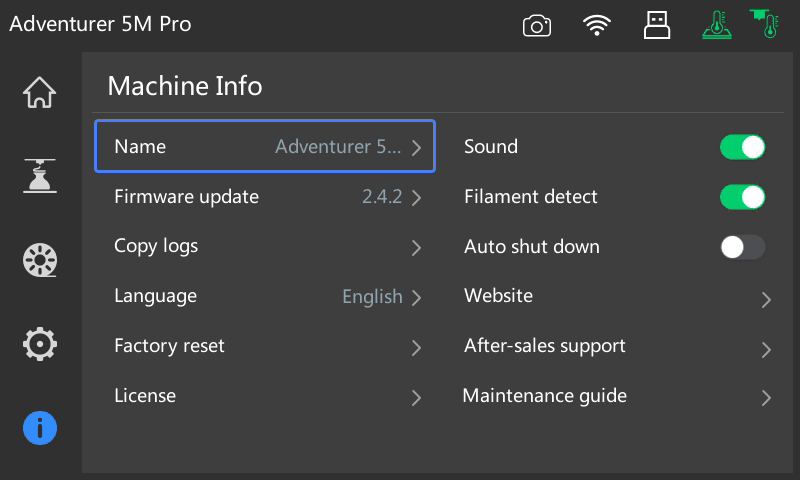
- Update the firmware if the camera doesn't show up after you power back on. You can check your version from Info → Firmware update on the touchscreen.
Why it's worth it
Once the camera is in, you can see inside the printer without being in the room. Flashforge also lists time-lapse videos and early problem detection among the kit's features.
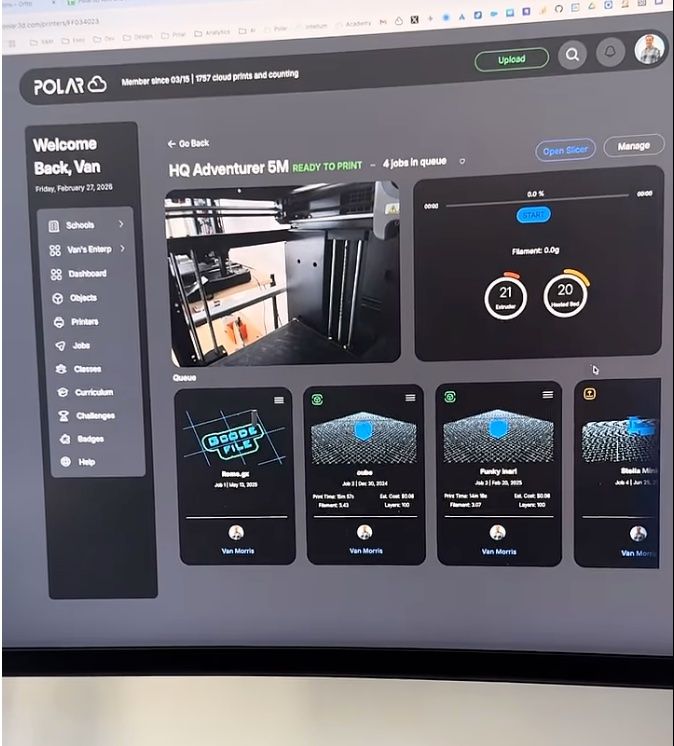
Where it really pays off is remote printing. The Adventurer 5M has Polar Cloud built into its firmware, so it connects straight from the touchscreen with no Raspberry Pi or extra software. Add the camera, and your live view shows up right on the printer's page in Polar Cloud, next to the temperatures and the print queue.
That makes a real difference day to day:
- Check a print from anywhere. Open Polar Cloud in any browser, or the Polar Cloud mobile app on your phone, and see exactly what the printer is doing.
- Catch problems early. A print that came loose from the bed or turned into spaghetti is easy to spot on camera. Stop it before it wastes a whole spool.
- Know when a part is done without walking over to the printer.
- Keep an eye on a classroom or lab. If you run a room of printers, you can see all of them from one dashboard instead of making the rounds.
It pairs well with filament runout detection, too. Runout detection pauses the print when the spool runs dry, and the camera lets you see that it paused, even when you're nowhere near it.
Haven't connected your Adventurer 5M to Polar Cloud yet? Follow the Flashforge setup guide. It only takes a couple of minutes from the printer's touchscreen.
Frequently asked questions
Does the Flashforge Adventurer 5M have a camera?
The standard Adventurer 5M doesn't come with one. The Adventurer 5M Pro has a camera built in. You can add one to the 5M with Flashforge's official camera kit.
Which camera works with the Adventurer 5M?
The Flashforge Camera Kit for AD5X and AD5M. It's made for these printers, mounts inside, and plugs straight in.
How much does the Adventurer 5M camera kit cost?
It's $39.99 from Flashforge. Prices on eBay and other sellers may vary.
Is it hard to install?
No. It takes a few minutes. Watch the install video to see how.
Can I watch my Adventurer 5M camera remotely?
Yes. Connect the printer to Polar Cloud, and the camera feed shows up on the printer's page in your browser and in the Polar Cloud mobile app.
The bottom line
If you have an Adventurer 5M without a camera, the official kit is one of the best $40 upgrades you can make. It takes a few minutes to install and lets you check on every print from anywhere.
Create a free Polar Cloud account, connect your Adventurer 5M from its touchscreen, and see your prints from anywhere.
Subscribe for updates
Get Polar Cloud news and help delivered straight to your inbox.
More from the blog