Introducing the Polar Cloud Mobile App for iOS and Android

Introducing the Polar Cloud Mobile App for iOS and Android
For years, the Polar Cloud has made it easy to design, prepare, and manage 3D prints from virtually anywhere. Because the Polar Cloud is a responsive web application, it has always worked on mobile devices, but it was originally designed with desktop workflows in mind.
Today, we’re excited to announce the next step in that journey.
The Polar Cloud Mobile App is now available for both iOS and Android, bringing a faster, more intuitive experience that’s built specifically for phones and tablets.
Whether you’re checking on a print from another room, generating a new model while inspiration strikes, or monitoring an entire fleet of printers, the Polar Cloud is now right in your pocket.
Built for Mobile
Rather than simply wrapping our website inside an app, we redesigned the experience for touch screens. Navigation is quicker, common tasks are easier to reach, and the features you use most are always just a tap away.
The mobile app works seamlessly with your existing Polar Cloud account, so everything you already have, including your printers, models, and print history, is immediately available after you sign in.
Sign In Your Way
Getting started takes only a few seconds.
You can sign in using your existing Polar Cloud account or authenticate with:
- Apple
- Microsoft
- Meta
Once you’re signed in, your printers and files automatically appear.
Turn Photos into 3D Models
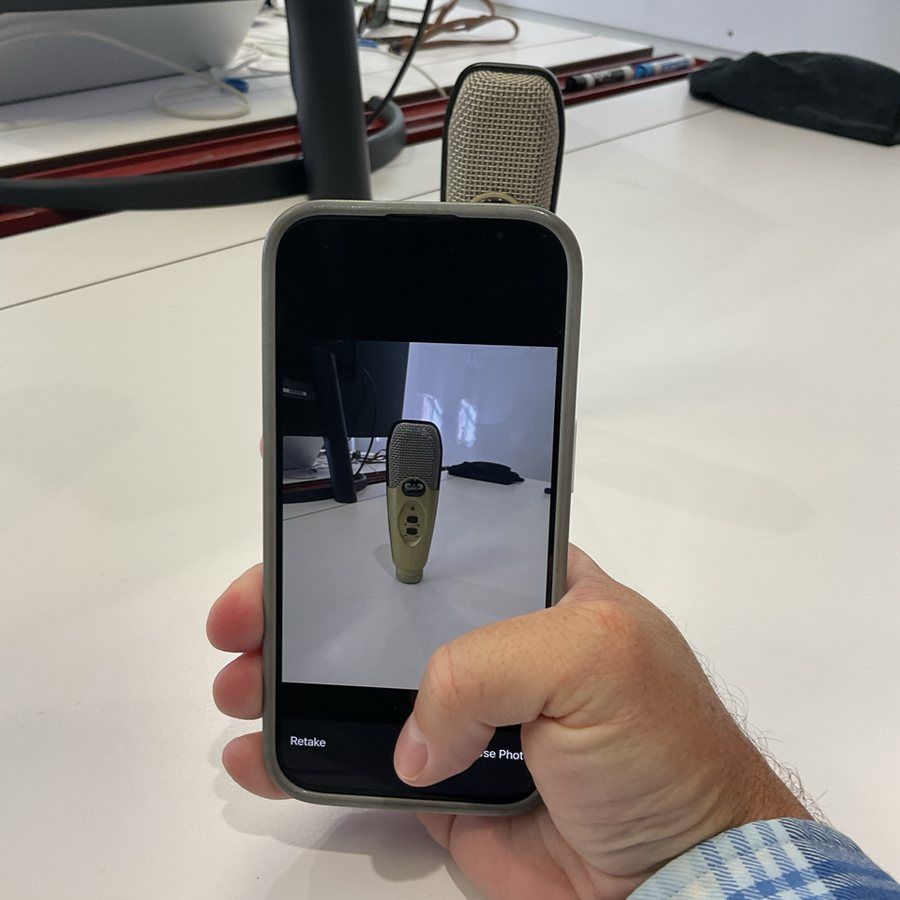
One of the most exciting features of the Polar Cloud mobile app is the ability to create printable models directly from your phone.
Simply take a picture of a drawing, sketch, or everyday object, and the app can generate a 3D printable model in seconds. Doing this in the app is much easier than doing it in the browser, at the moment.
It’s a quick way to transform ideas into printable designs without needing specialized modeling software.
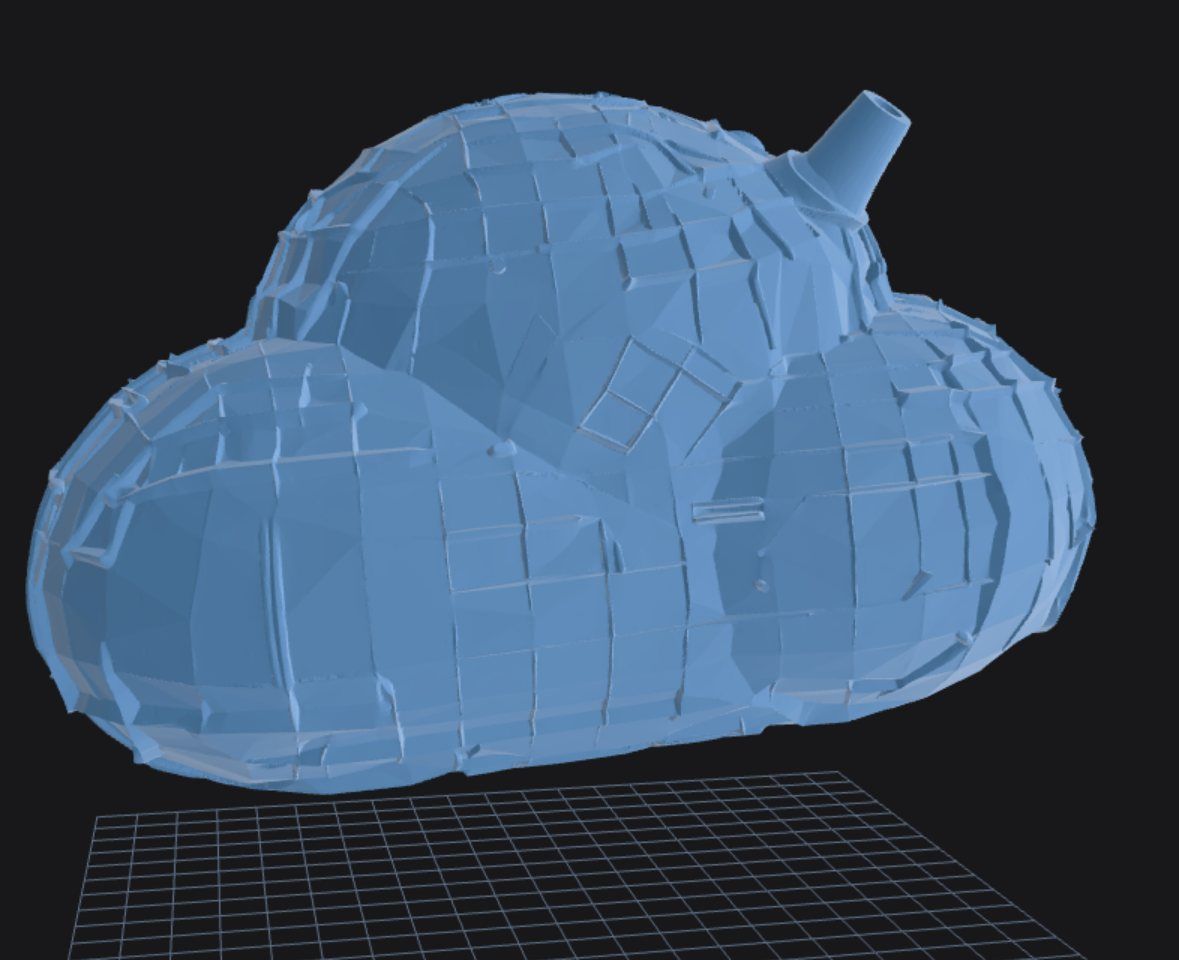
Generate 3D Models with AI
Have an idea but don’t have a model?
Simply describe what you want using a text prompt, and the Polar Cloud can generate a 3D printable object for you.
Whether you’re brainstorming classroom projects, prototyping a concept, or just experimenting with new ideas, AI-powered model generation makes creating printable content easier than ever.
Access Your Models Anywhere
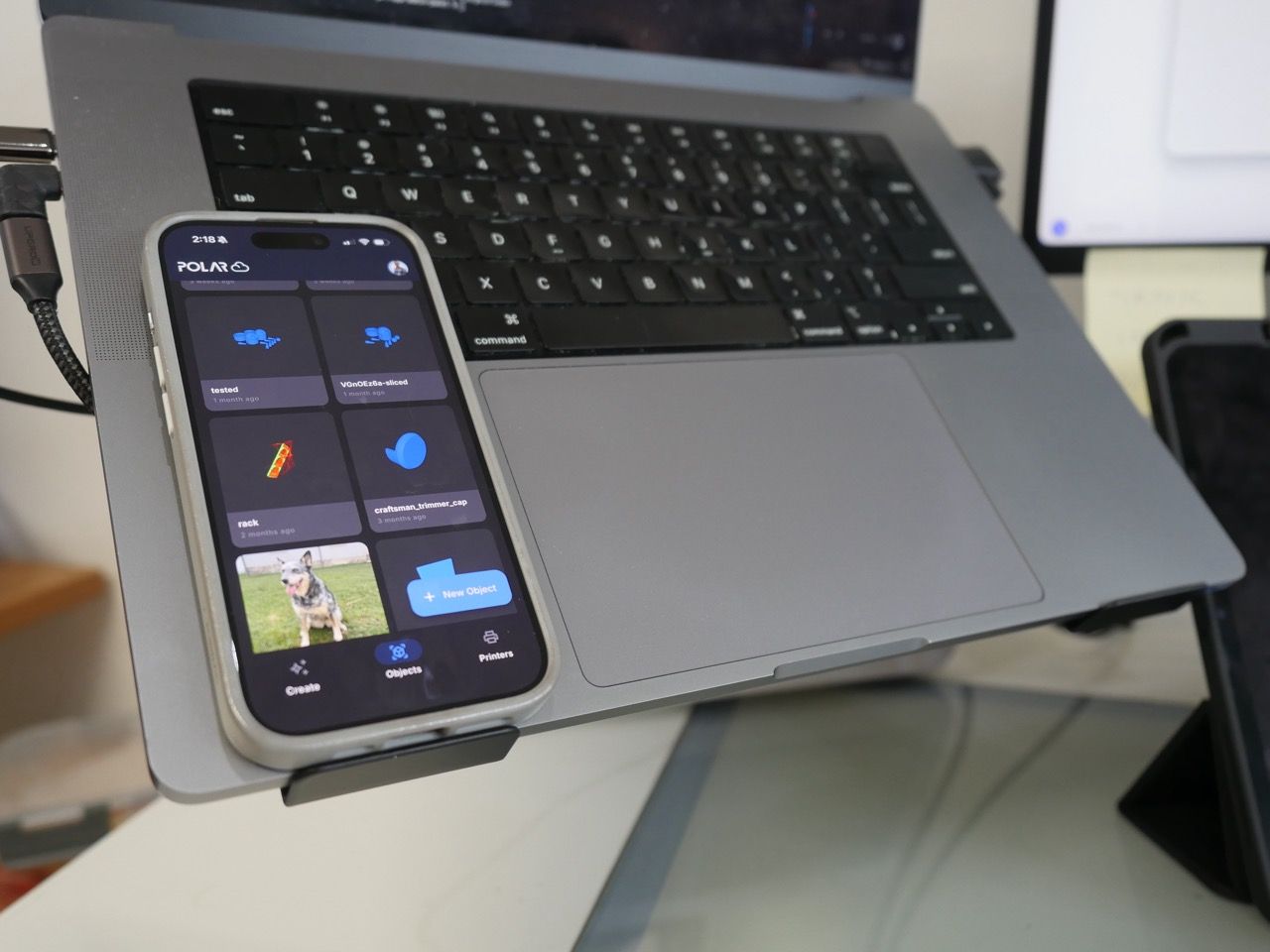
Your Polar Cloud library is always with you.
The mobile app lets you:
- Browse models you’ve uploaded from the web
- Upload files directly from your phone or tablet
- Keep your designs synchronized across all of your devices
Whether you’re at school, home, work, or traveling, your files are always within reach.
Monitor Your Printers from Anywhere
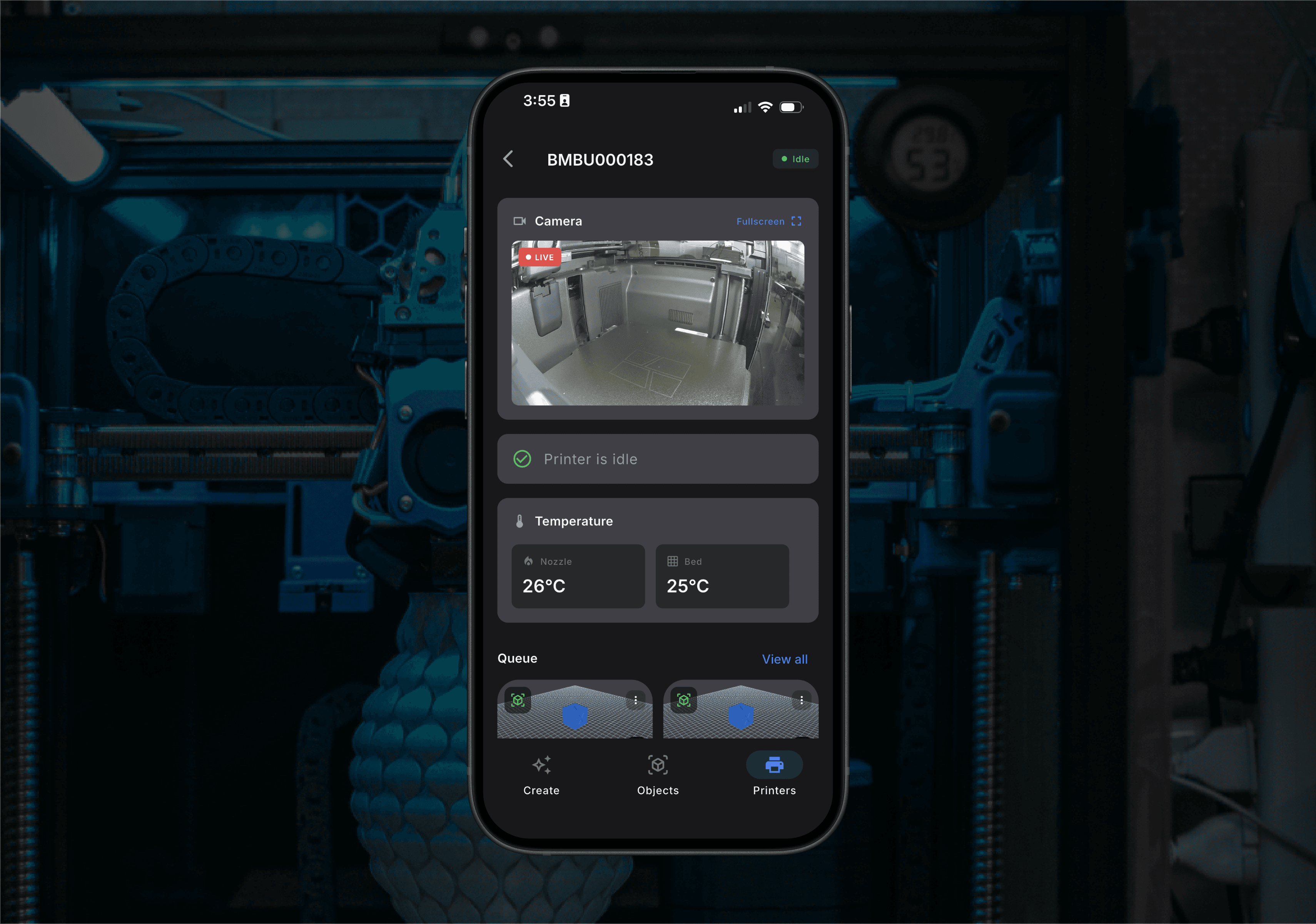
The mobile app gives you real-time visibility into your printers.
You can:
- View all of your connected printers
- Check printer status
- Monitor print progress
- Watch live camera feeds on supported printers
- View print timelapse videos on supported models
- Start jobs already waiting in your print queue
Whether you’re managing one printer or dozens, staying informed has never been easier.
Stay Updated with Push Notifications
Instead of constantly checking your printers, let the app keep you informed.
Receive notifications when important events occur so you always know what’s happening with your prints, even when you’re away from your computer.
Available Today for iOS and Android
The Polar Cloud Mobile App is available today for both smartphones and tablets running iOS or Android.
This is only the beginning.
We’re already working on additional features and improvements that will continue to make managing your printers from anywhere even more powerful.
Download the Polar Cloud Mobile App today and experience a faster, more convenient way to create, monitor, and manage your 3D printing projects wherever you are.
Download from the iOS App Store | Google Play Coming Soon
Subscribe for updates
Get Polar Cloud news and help delivered straight to your inbox.
More from the blog