X1Plus Firmware Adds Polar Cloud Support for Bambu Lab X1 Series Printers

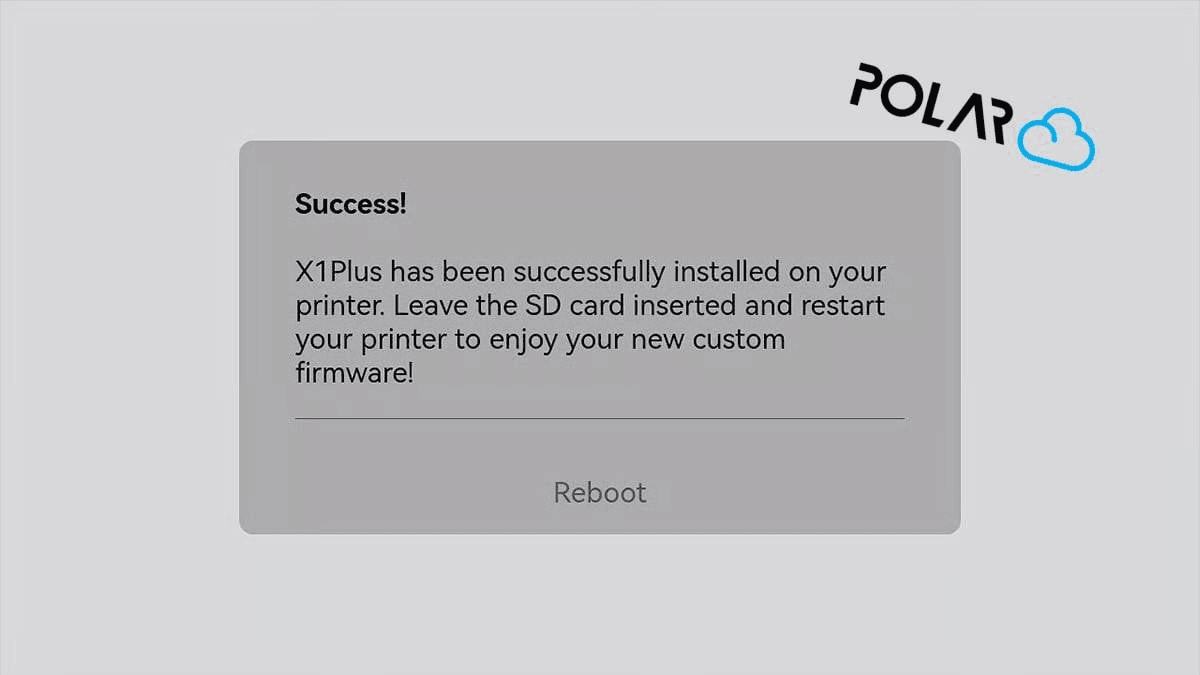
X1Plus Firmware 3.1: Polar Cloud Support for Bambu Lab X1 and X1 Carbon
X1Plus 3.1 brings a major new option to Bambu Lab X1 and X1 Carbon owners: experimental support for Polar Cloud.
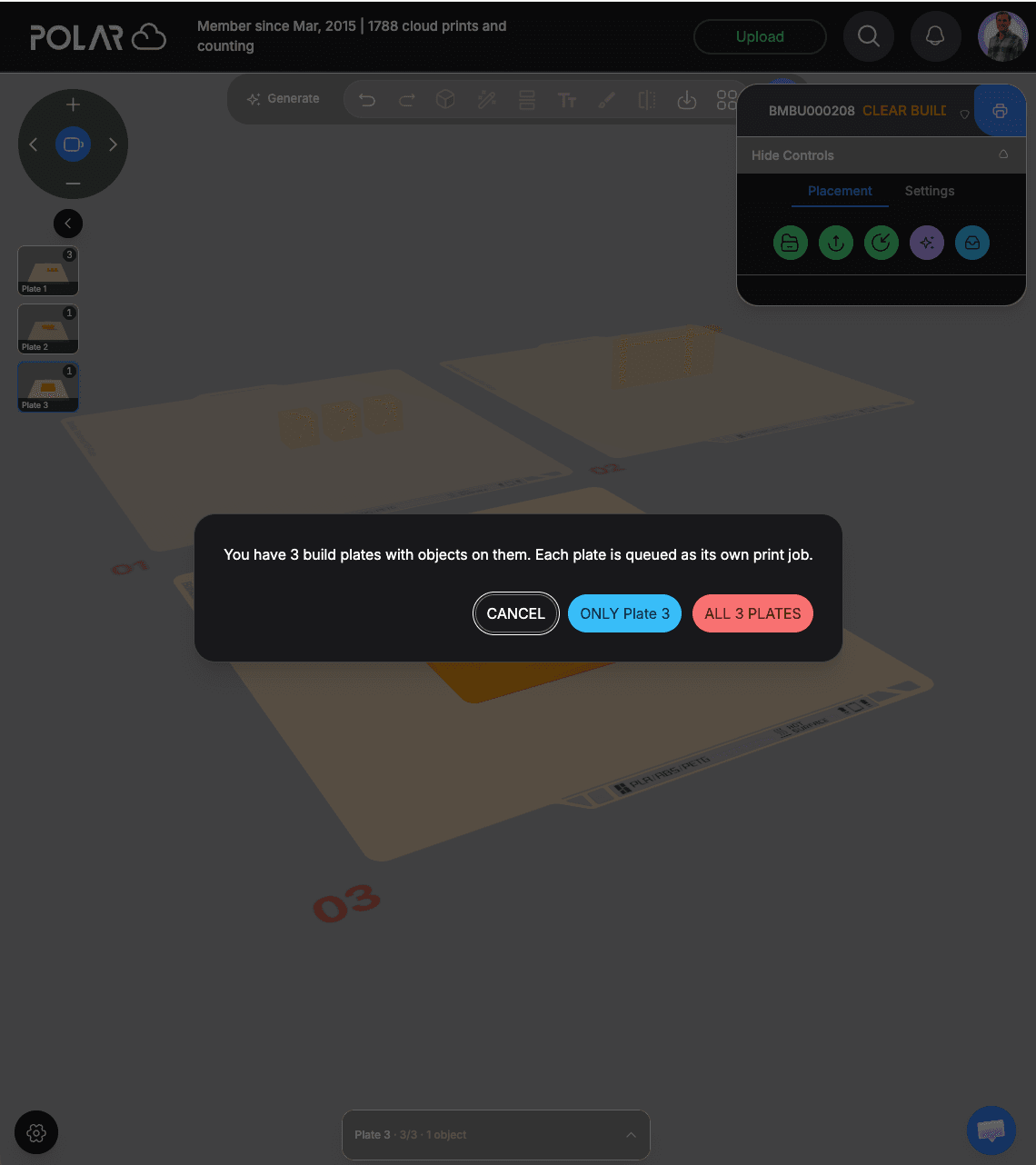
The integration allows an X1Plus-equipped printer to connect directly to Polar Cloud for remote printer management and printing, without requiring Bambu Cloud for that workflow.
It’s part of a larger X1Plus 3.1 update that also improves AMS firmware support, expands integration with X1Plus hardware and sensors, updates the Bambu filament database, and fixes several bugs.
Here’s what changed and what Bambu X1 and X1 Carbon owners need to know.
What Is X1Plus?
X1Plus is community-developed custom firmware for the Bambu Lab X1 and X1 Carbon.
Rather than replacing the entire underlying Bambu Lab system, X1Plus builds an expanded software environment around the printer and adds capabilities intended for users who want greater control, extensibility, and access to their hardware.
X1Plus includes its own interface and features, supports additional hardware through the X1Plus Expander, and provides capabilities that aren’t available through the standard Bambu Lab firmware.
Version 3.1 adds another option to that ecosystem: Polar Cloud connectivity.
Polar Cloud Comes to X1Plus
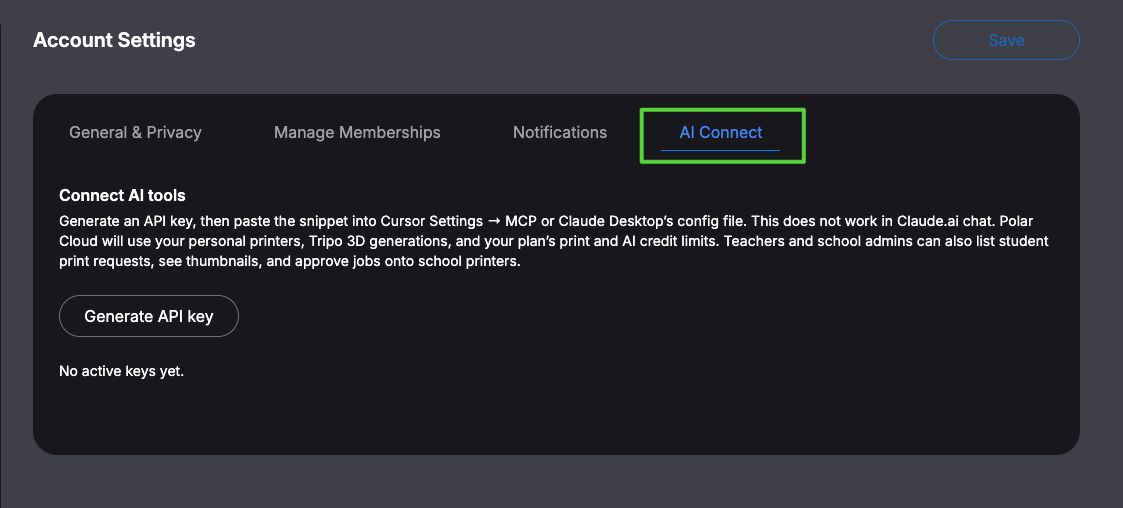
X1Plus 3.1 adds experimental support for connecting an X1-family printer to Polar Cloud.
Once enabled, the printer can use Polar Cloud for remote management and printing without relying on Bambu Cloud.
The integration is disabled by default in X1Plus 3.1 and must be enabled by the user.
For Polar Cloud users, this is particularly interesting because it brings the X1 and X1 Carbon into the same browser-based environment that can be used to manage other supported 3D printers.
That can be useful for schools, makerspaces, print farms, businesses, and individual users who don’t necessarily have only one model or brand of printer.
Instead of treating every printer as its own isolated ecosystem, Polar Cloud provides a central place to manage 3D printing.
X1Plus notes in its official 3.1 release that the Polar Cloud integration was sponsored by Polar3D.
Why Use Polar Cloud With a Bambu Lab X1?
Bambu Lab already has its own cloud platform, so why add another option?
One major difference is that Polar Cloud is printer agnostic.
A user may have a Bambu Lab X1 Carbon sitting next to a Prusa, FlashForge, Ultimaker, Dremel, or another supported printer. Schools and organizations are particularly likely to accumulate mixed fleets as printers are purchased at different times and by different departments.
Polar Cloud is designed to provide one place to work with those printers.
It also provides browser-based workflows that are useful on devices where traditional desktop 3D-printing software isn’t always practical, including Chromebooks, iPads, and phones.
For X1Plus users specifically, version 3.1 also provides an alternative remote workflow that does not depend on Bambu Cloud.
What Else Is New in X1Plus 3.1?
Polar Cloud isn’t the only change in the X1Plus 3.1 firmware.
The release also adds:
- Firmware updating for all four AMS units.
- Display of sensor data from devices connected through the X1Plus Expander.
- An updated Bambu filament database, version 02.01.00.25.
- A fix for selecting TPU for the AMS from the printer.
- A fix for downloading 3MF files from the cloud over Ethernet when Wi-Fi isn’t connected.
These changes build on X1Plus 3.0, which introduced extensive support for the X1Plus Expander and external hardware.
X1Plus Expander Support
The X1Plus Expander is an optional hardware expansion board for users who want to take the X1 platform considerably further.
X1Plus 3.x supports capabilities including external sensors, LED strips, GPIO-related functionality, an Andon module, and camera shutter control through the Expander ecosystem.
Version 3.1 adds the ability to display data from connected Expander sensors directly in the X1Plus interface.
For users interested primarily in Polar Cloud, however, an Expander board is required for the integration (unless you need ethernet). Polar Cloud support is a firmware feature in X1Plus 3.1.
How to Update to X1Plus 3.1
If you’re already running X1Plus 2.0 or newer, X1Plus says you can upgrade using its built-in over-the-air updater.
On the printer, navigate to the firmware information and select X1Plus Version. If an update is available, the updater can download and install it.
Users running an X1Plus version older than 2.0 need to follow the project’s manual upgrade procedure instead.
If you’re installing X1Plus for the first time rather than upgrading an existing installation, follow the project’s installation documentation. X1Plus requires installation of third-party firmware and comes with the risks inherent to modifying a printer’s firmware.
Known Issues in X1Plus 3.1
There are several limitations worth knowing about.
The X1Plus developers note that actions triggered from G-code may occasionally fail, particularly when the printer is under heavy load.
There is also a known resource leak involving the underlying Bambu camera service across connection and disconnection cycles. X1Plus notes that Polar Cloud activity can exacerbate the issue. If the camera becomes unresponsive, restarting the printer may be necessary.
The original 3.1 release notes also list AMS 2 Pro and AMS HT as unsupported in that release. Because X1Plus development continues, users should check the current X1Plus documentation for newer support before assuming that limitation still applies.
X1Plus + Polar Cloud: More Choice for Bambu X1 Owners
X1Plus is interesting because it demonstrates what’s possible when users are given greater access to the hardware they own.
Polar Cloud support extends that idea beyond the printer itself.
An X1 or X1 Carbon running X1Plus 3.1 can participate in a broader cloud-printing environment, including environments where Bambu printers operate alongside hardware from other manufacturers.
For an individual user, that can mean another way to remotely access and print to an X1.
For a school, makerspace, lab, or organization with a mixed fleet of 3D printers, the larger benefit is straightforward: fewer isolated printer ecosystems and one place to manage more of your 3D-printing workflow.
You can create a Polar Cloud account and explore the platform from any modern web browser.
Subscribe for updates
Get Polar Cloud news and help delivered straight to your inbox.
More from the blog