Meet the Polar Cloud Bridge: Securely Connect Your Printers in Minutes

Whether you have a single printer in your workshop or a fleet spread across a makerspace, school, or business, one thing matters above everything else: reliable connectivity.
Today, we’re excited to introduce the Polar Cloud Bridge, a lightweight desktop application for Windows, macOS, and Linux that securely connects your local 3D printers to the Polar Cloud.
Built for Every Scale
The Bridge was designed to stay out of your way.
Install it on your desktop, a spare computer, or even a small single-board computer that stays on with your printers. Once running, it discovers and connects supported printers on your local network, maintaining a secure encrypted connection to the Polar Cloud.
Whether you’re managing:
- A single printer at home
- A small print farm
- A classroom full of machines
- An enterprise deployment with dozens of printers
…the same application scales effortlessly to meet your needs.
Secure by Design
The Polar Cloud Bridge never exposes your printers directly to the internet.
Instead, it establishes an encrypted WebSocket connection to the Polar Cloud’s secure status servers. This allows your printers to receive jobs, report status, stream progress updates, and stay synchronized without requiring complicated firewall changes or port forwarding.
Your printers stay on your network while remaining securely accessible through the Polar Cloud.
Current Printer Support
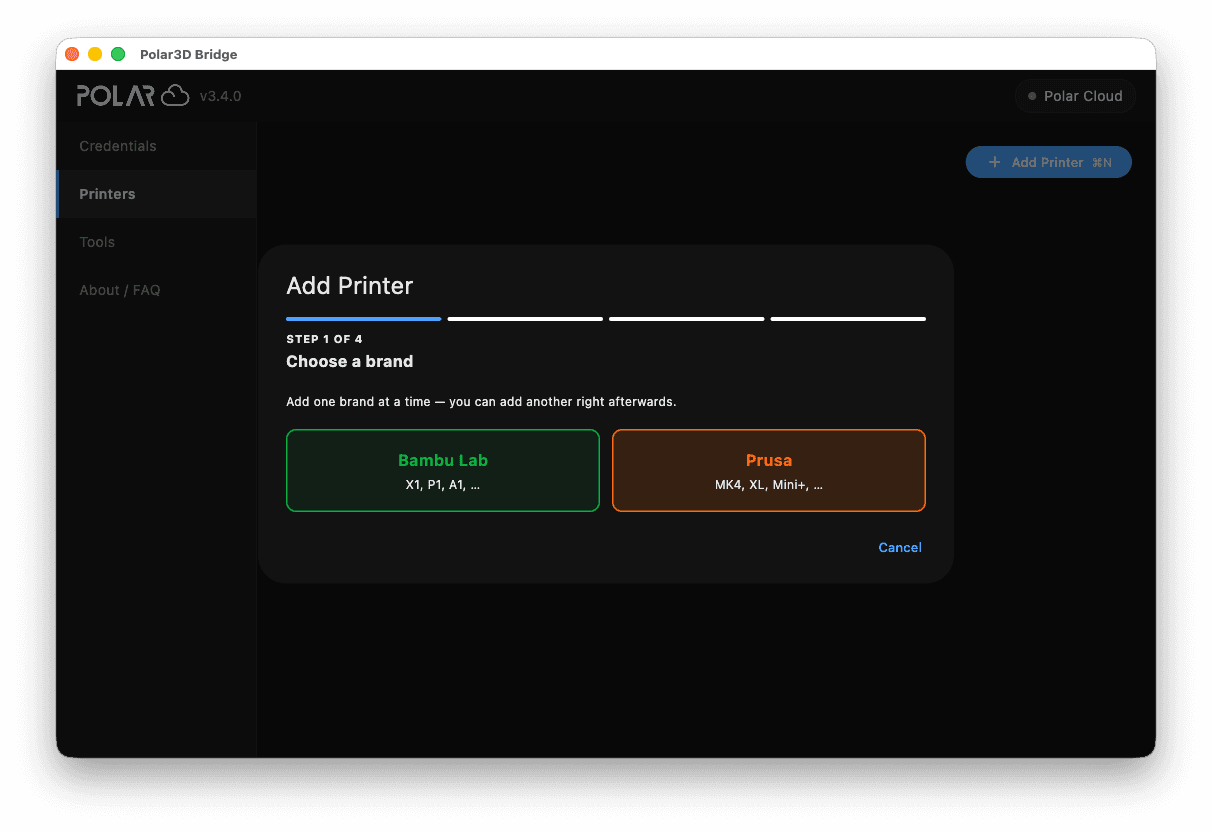
The first release supports:
- Bambu Lab
- Prusa (via PrusaLink)
We’re actively adding support for additional manufacturers and printer models, and we’ll continue publishing updates as new integrations become available.
Fast Installation
Getting started only takes a few minutes.
Download the installer for your operating system, sign in using your Polar Cloud account, enter the required printer credentials, and let the Bridge discover compatible printers on your network.
Once connected, your printers automatically appear in your Polar Cloud account, ready to receive jobs from your browser or the Polar Cloud mobile app.
Lightweight and Reliable
The Bridge was intentionally built to have a very small footprint.
It uses minimal system resources while continuously monitoring your printers and maintaining secure connectivity. Whether it’s running on your everyday workstation, a dedicated mini PC, or an inexpensive single-board computer, it’s designed to run quietly in the background without demanding attention.
Install it once and let it do the work.
More Is Coming
The Polar Cloud Bridge is the foundation for future printer integrations.
As we continue expanding support for additional manufacturers and capabilities, Bridge users will receive updates that unlock compatibility with even more printers without needing to change how they manage their fleet.
Our goal is simple: One application. One cloud. Every printer.
Download the Polar Cloud Bridge today and experience a simpler, more secure way to connect your printers.
Subscribe for updates
Get Polar Cloud news and help delivered straight to your inbox.
More from the blog