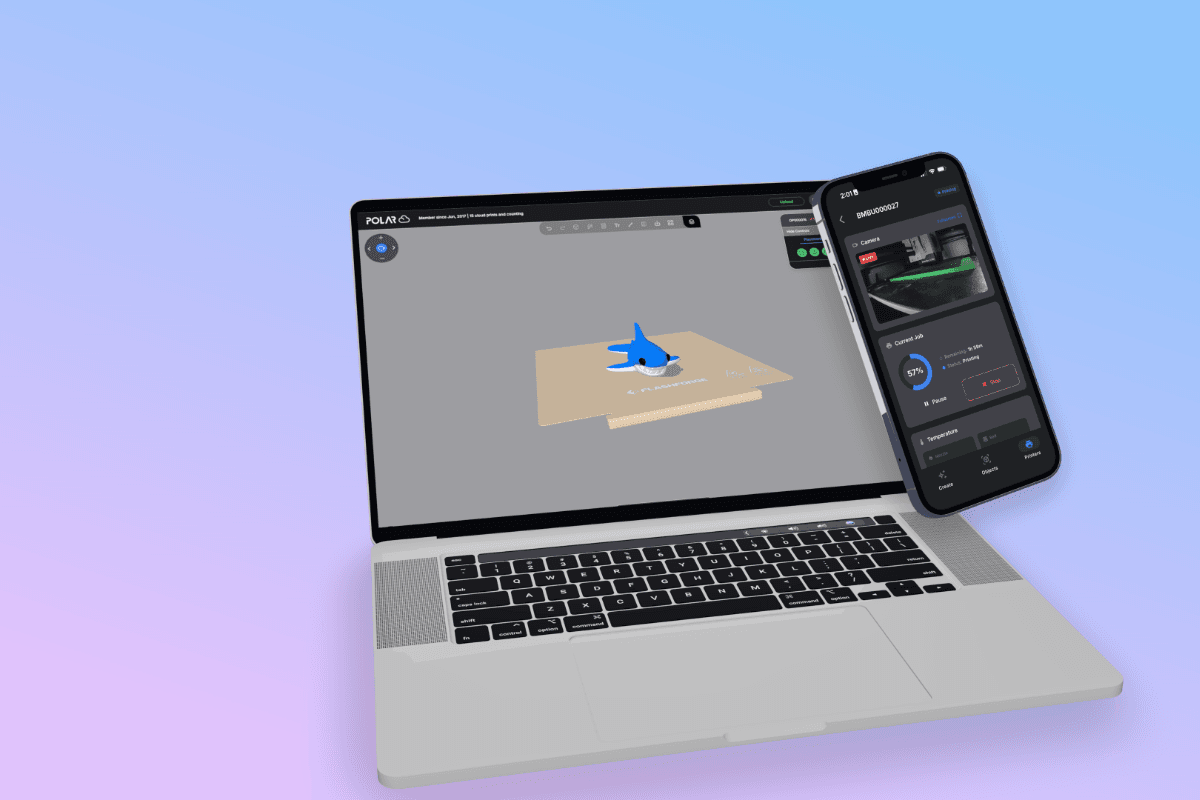
Embrace the Night: Dark Mode Arrives on Polar Cloud!

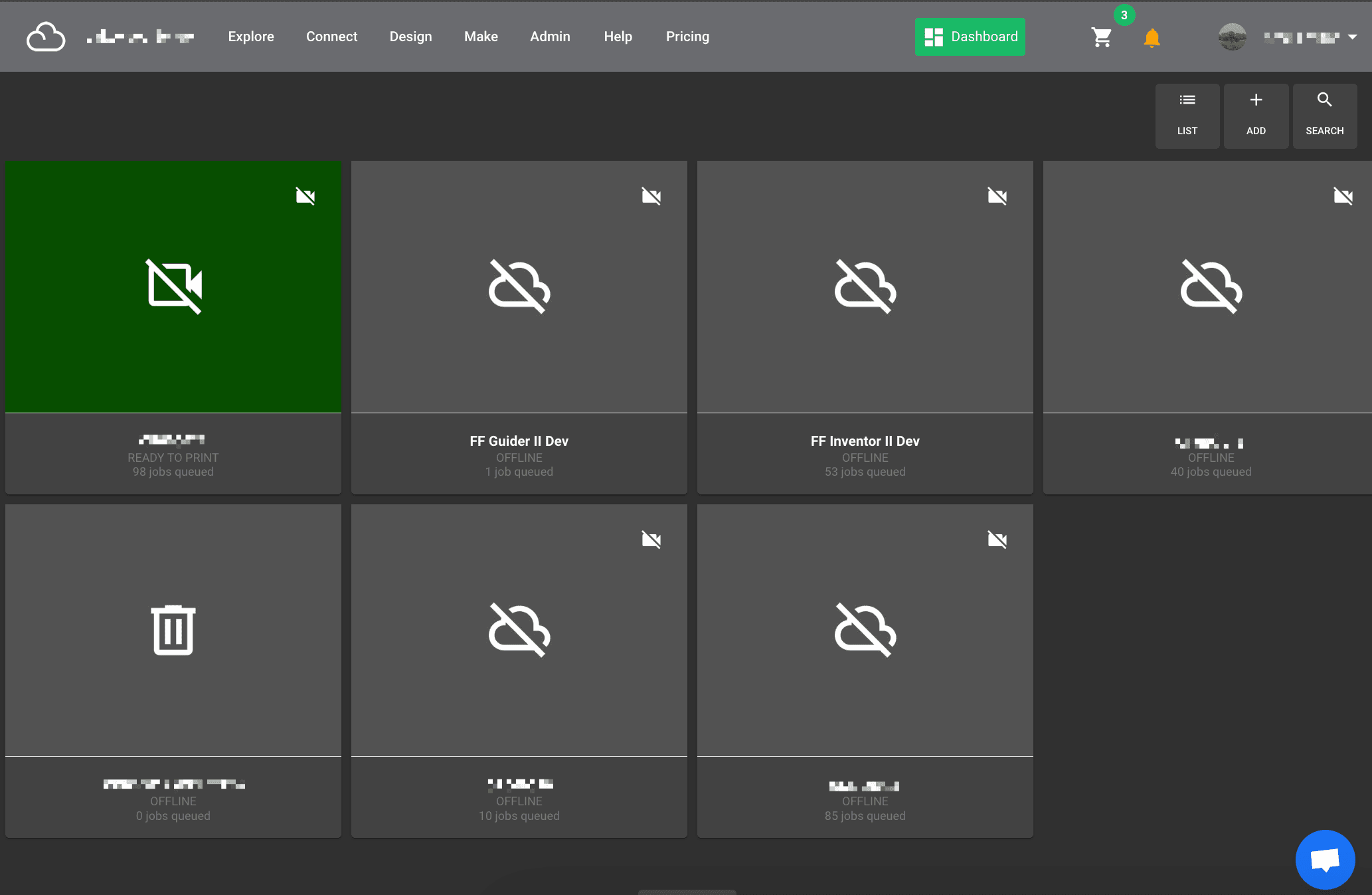
We're thrilled to announce the highly-requested addition of Dark Mode to Polar Cloud (polar3d.com), your one-stop shop for all things 3D design! Whether you're a seasoned pro or just starting your 3D journey, Dark Mode offers a host of benefits, making your design sessions smoother and more enjoyable.
Why Dark Mode?
Here are just a few reasons why you'll love Dark Mode on Polar Cloud:
- Reduced Eye Strain: Working on bright screens for extended periods can lead to eye fatigue. Dark Mode provides a cooler color scheme that's easier on your eyes, especially during long design sessions or late-night inspiration bursts.
- Enhanced Focus: By minimizing visual distractions, Dark Mode allows you to focus more intently on your 3D creations.
- Improved Design Aesthetics: Dark Mode creates a sleek and modern design interface that complements your favorite 3D models and projects.
- Battery Life Boost (for laptops): While the impact might be minimal, some laptops can experience slightly improved battery life when using Dark Mode due to reduced power consumption for displaying bright colors.
How to Activate Dark Mode:
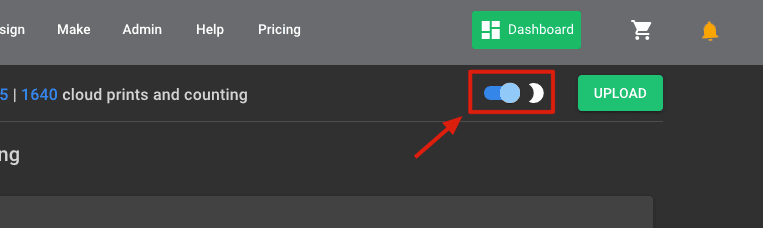
Once you sign in, the home page has a toggle button next to the upload button. Click this toggle to change your mode from normal mode to "Dark" mode.
We encourage you to try Dark Mode on Polar Cloud and see how it enhances your 3D design experience. We believe you'll find it to be a helpful and stylish addition to your creative workflow. Don't forget to share your thoughts and creations with us on social media!
Happy Designing!
The Polar Cloud Team
Subscribe for updates
Get Polar Cloud news and help delivered straight to your inbox.
More from the blog