How to Connect a Creality K1, K1C, or K1 Max to Polar Cloud

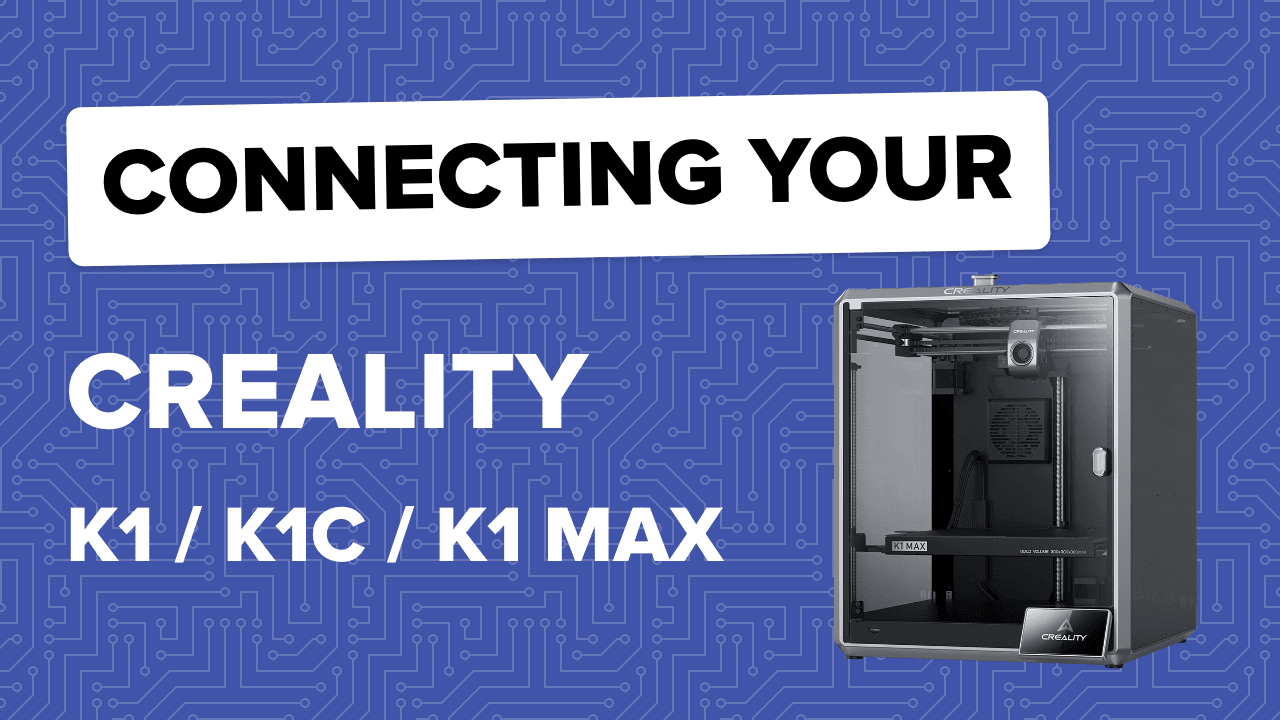
Learn how to connect a Creality K1, K1C, or K1 Max to the Polar Cloud using this step-by-step video guide. This article walks through adding your printer, completing the connection process, and confirming successful setup so you can send prints from any device using Polar Cloud’s browser-based tools.
Subscribe for updates
Get Polar Cloud news and help delivered straight to your inbox.
More from the blog
How to Print Almost Any 3MF File Without Converting It First
Learn how Polar Cloud lets you upload 3MF files, slice them for your printer, and print without converting first, plus a free 3MF-to-STL converter when you need one.
10/07/2026
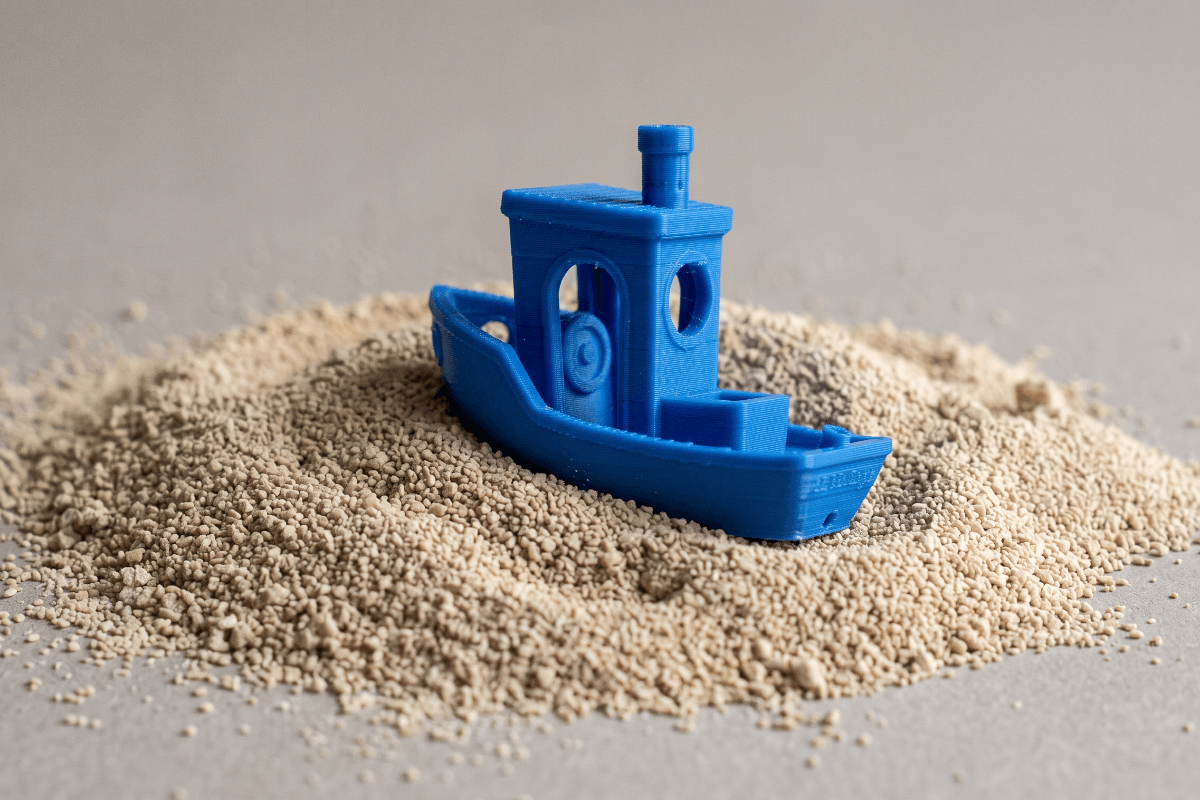
Could Your Failed 3D Prints Become Food? Scientists Are Turning PLA Waste Into Protein
Researchers are investigating whether waste PLA from 3D printing can be broken down and used to grow protein-rich yeast, opening an unusual new possibility for recycling failed 3D prints.
09/16/2026
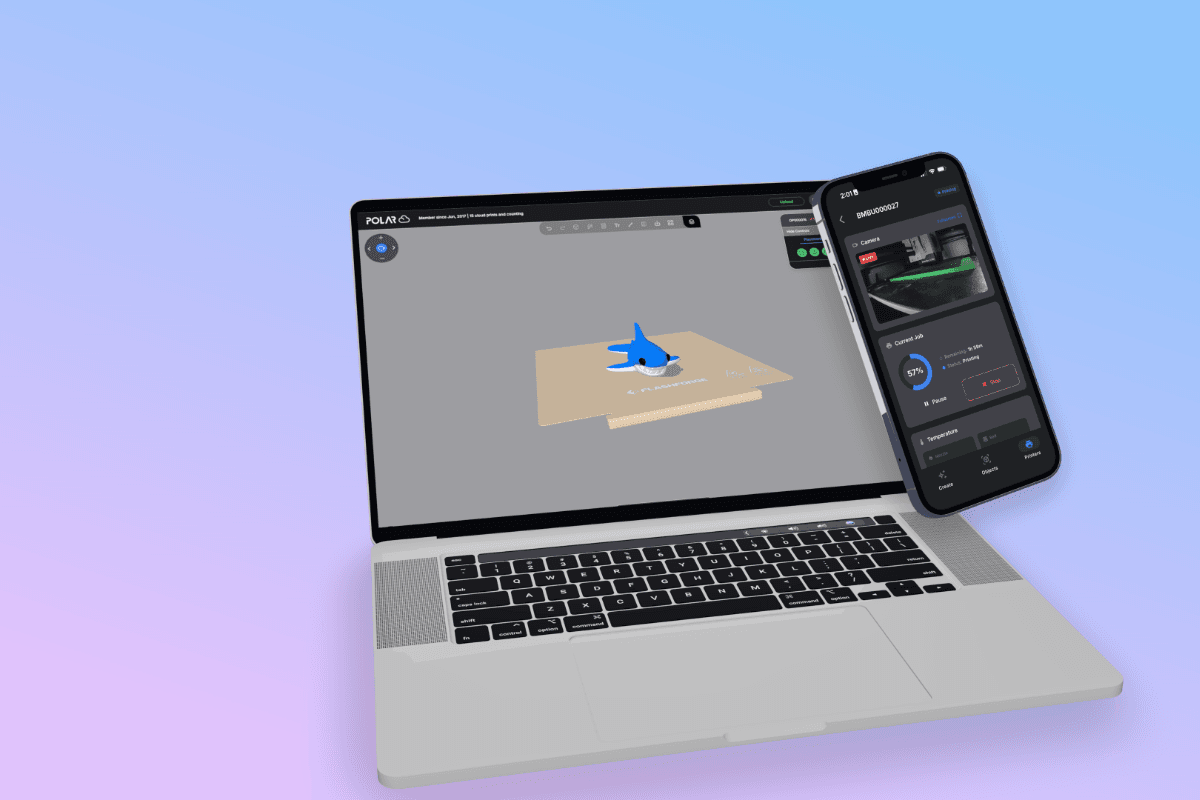
3D Print From an iPad, Phone or Chromebook | Polar Cloud
3D print from an iPad, iPhone, Android device or Chromebook with Polar Cloud. Connect Bambu Lab printers, select AMS filament, monitor prints and control your printer from the web.
09/14/2026

You Wouldn’t Download an iPhone…
Less than 24 hours after Apple unveiled the iPhone Duo, I downloaded one, 3D printed it, and held it in my hands.
09/11/2026