IS my printer connected after all?

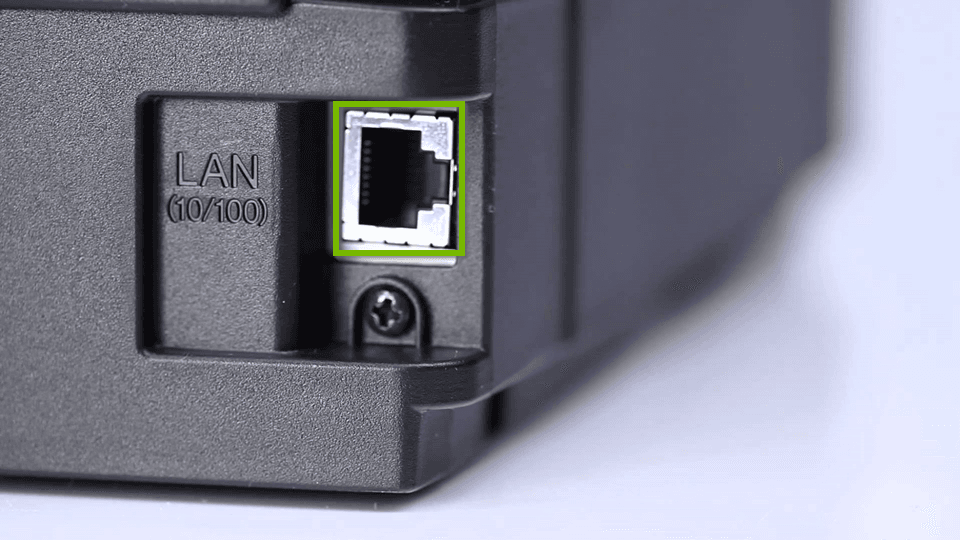
We've had an increasing number of support tickets from users that think they've done everything right to connect their printer (and perhaps they have!) but when they go to see their printer in the cloud, it's nowhere to be found!
First, I'll describe what might be happening here, then we'll go over the steps necessary to get a printer connected to your account.
Below, you'll see the 3 things that tell us all we need to know about a printer that is either showing up "offline" or not showing up at all.
First, you'll see the printer is connected to the newtork. In this case, it's connected via WiFi.
Next, you'll see there's the Polar Cloud logo in the topbar. This means the printer has an active connection to the cloud. If the cloud is blinking, that usually indicates there's a network block keeping the printer from communicating with our servers.
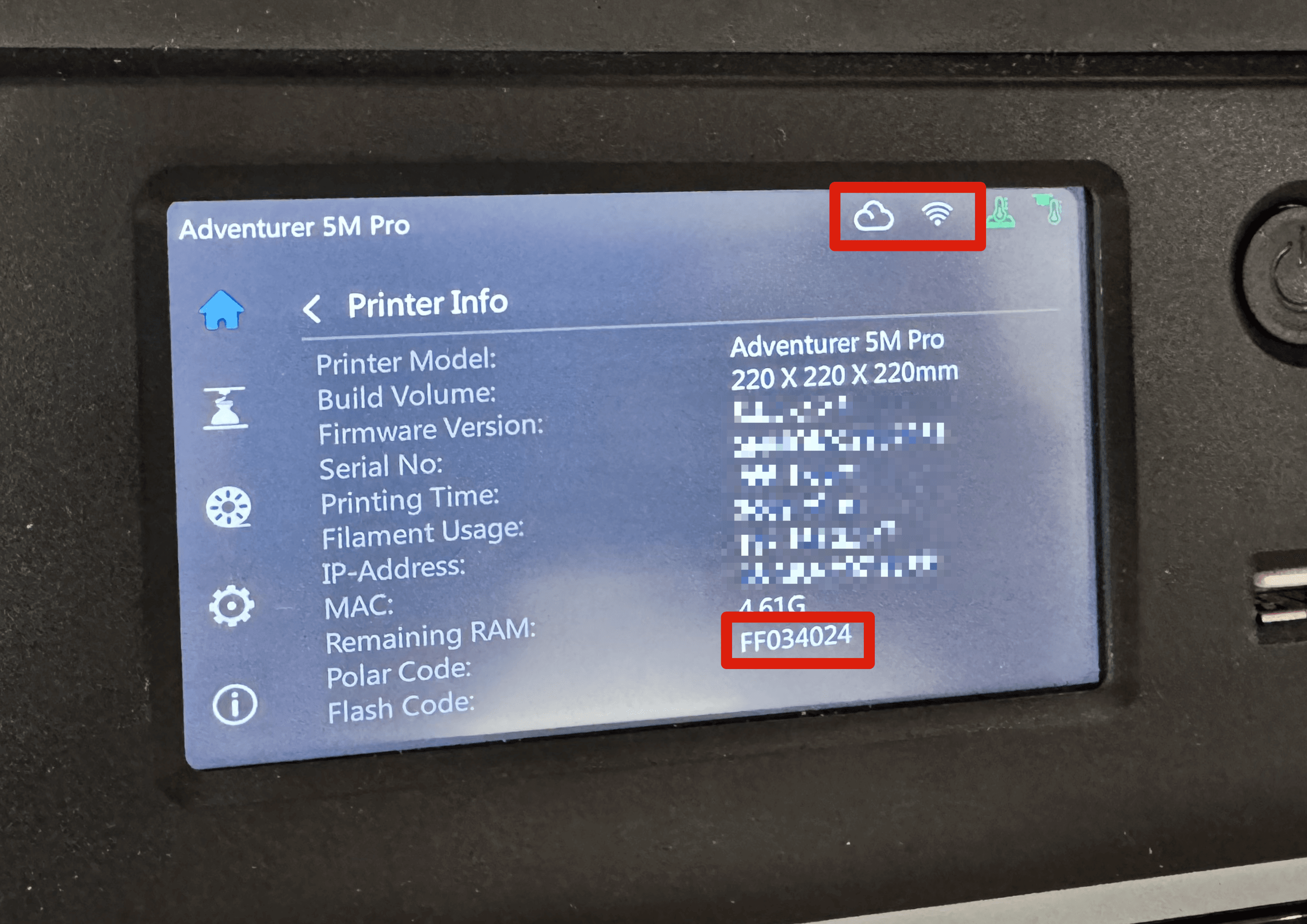
From there, we move down to the Polar Cloud serial number. This is NOT the same thing as the serial number that your manufacturer has given the printer. This is the unique serial that is given to your printer when it first registers with the Polar Cloud.
If you're having a hard time accessing your printer and you need our help, find your Polar serial number and send us an email or use the 24/7 chat system to get some help.
Check out our help articles below for a little more info on troubleshooting your printer connection.
Subscribe for updates
Get Polar Cloud news and help delivered straight to your inbox.
More from the blog