Keeping Up With New Changes

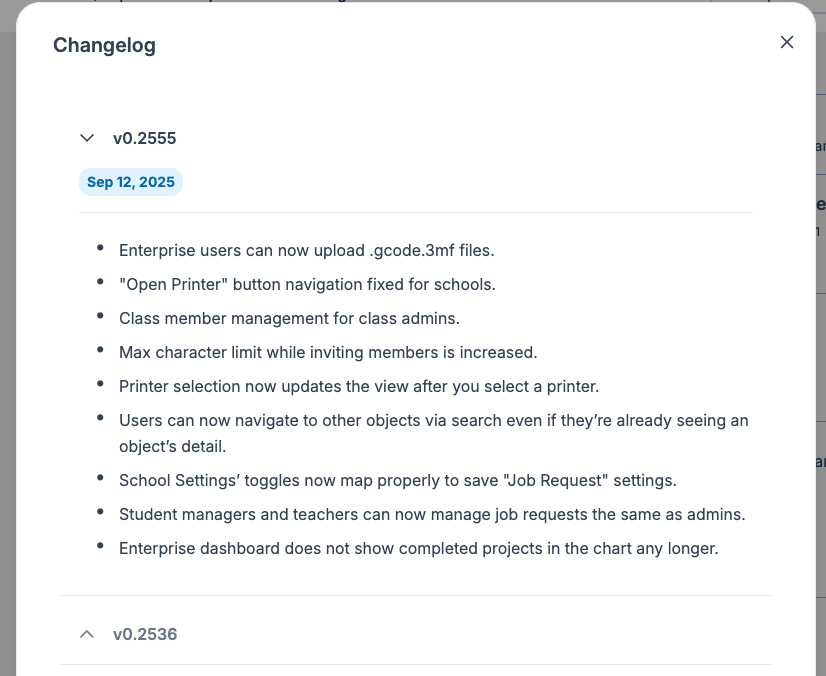
What is the Changelog?
The Polar Cloud Changelog is your go-to place for keeping up with everything new in the platform. From bug fixes and performance enhancements to brand-new features, we post a running list of updates so you always know what’s changed and when.
Why Check the Changelog?
- Stay in the loop – See what’s been fixed, improved, or added.
- Make the most of new features – Learn about tools or capabilities you might not know exist.
- Troubleshoot smarter – If something works differently than yesterday, you can quickly see if an update explains it.
How to Access the Changelog
- Log in to your Polar Cloud account.
- From any page, click your Profile Photo in the top right.
- Select “Changelog” from the dropdown.
The full update list will appear in a popup, with the most recent changes at the top.
How the Changelog is Organized
- Date-based entries – Each release update is listed with its release date. Click the down arrow to expand or collapse the list.
- Details – Short descriptions tell you what was updated, and in some cases, link to related help articles.
Final Note
The changelog is the fastest way to see how Polar Cloud is evolving. We post updates as soon as they go live—so if you want to stay current, make it part of your routine to check in regularly.
Subscribe for updates
Get Polar Cloud news and help delivered straight to your inbox.
More from the blog
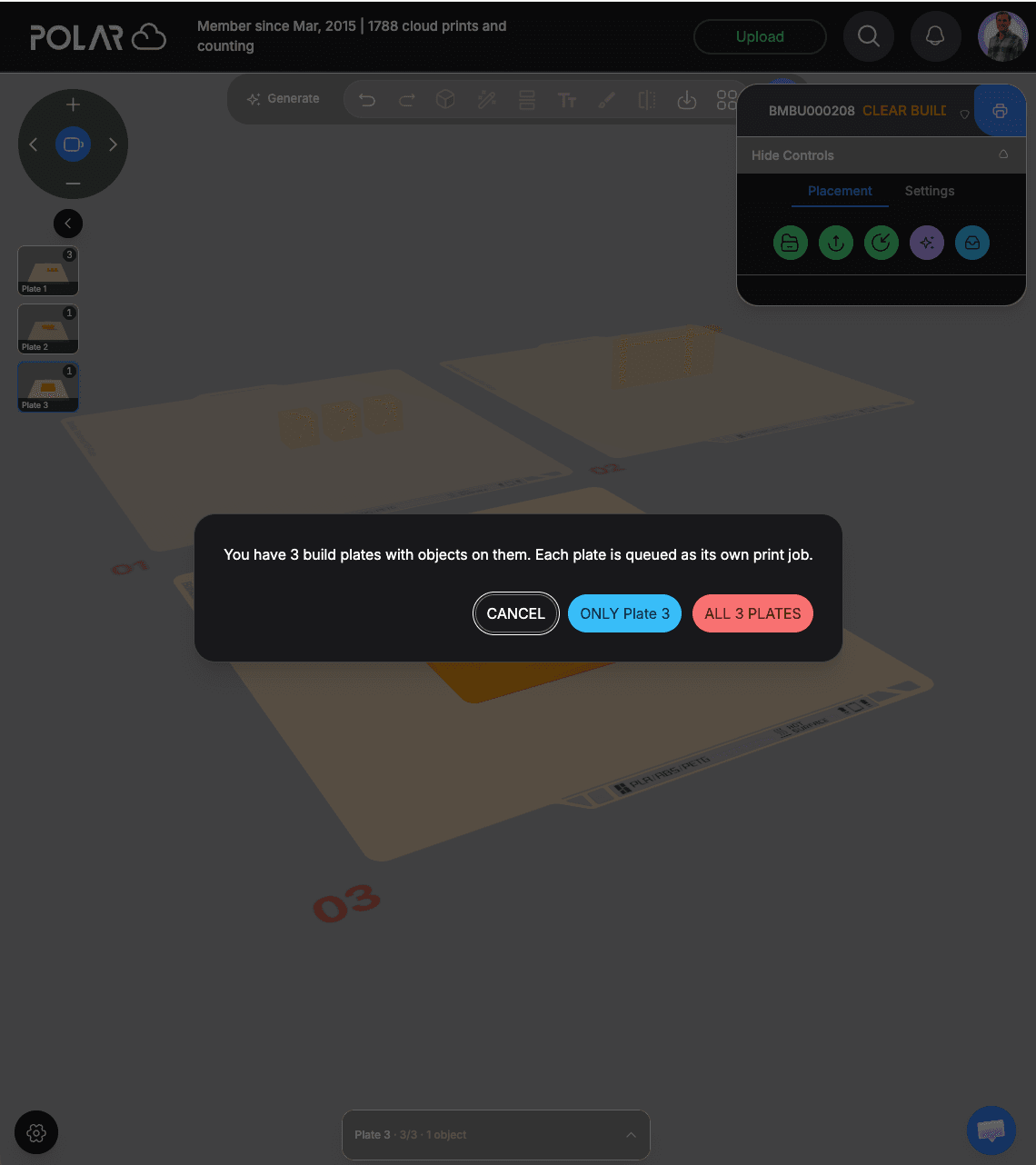
Slice and Queue All Your Build Plates at Once With Polar Cloud
Lay out a whole project across several build plates in your browser, then queue every plate at once. Each plate becomes its own print job, ready to run back to back.
10/28/2026
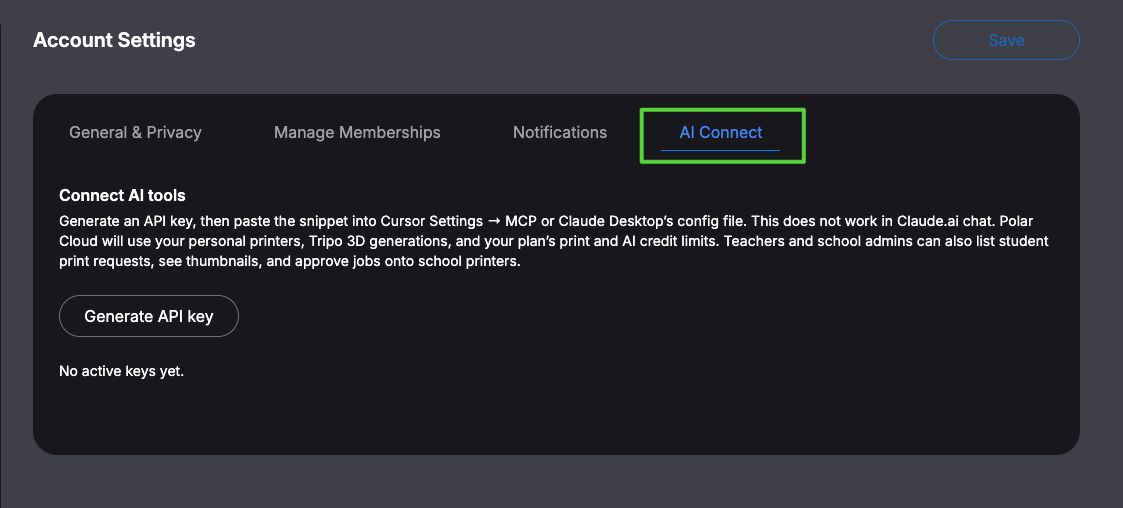
Print From Your AI Tool: Polar Cloud Now Works With Cursor and Claude
Polar Cloud's MCP server lets Cursor and Claude Desktop upload or generate a 3D model, slice it, and queue it on your printer. Here's what it can do and how to connect it in a couple of minutes.
10/28/2026
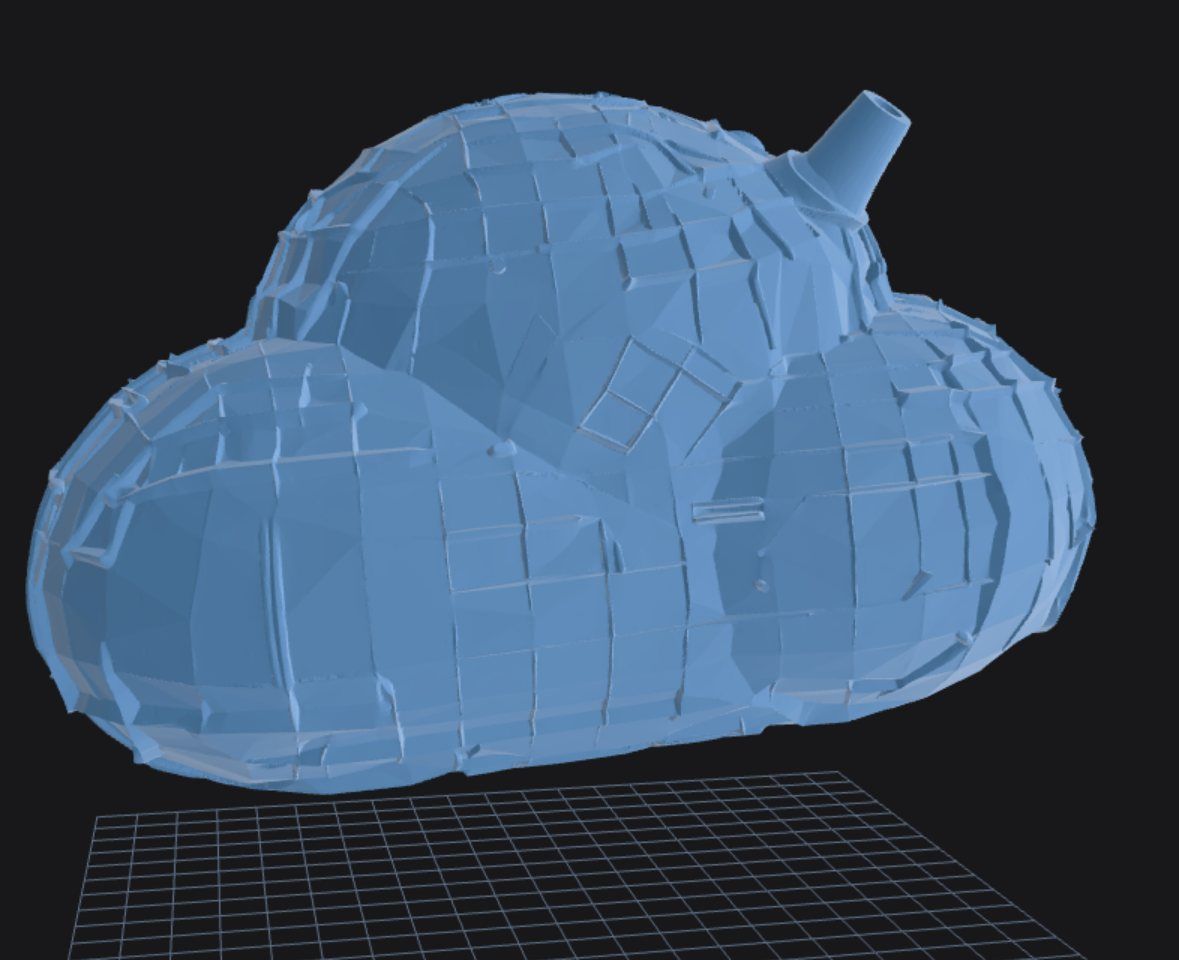
How to Turn a Text Prompt Into a 3D-Printable Model
Describe what you want in plain words and get a 3D-printable model back. Here's how text-to-3D works in Polar Cloud, with tips for writing prompts that print well.
10/22/2026
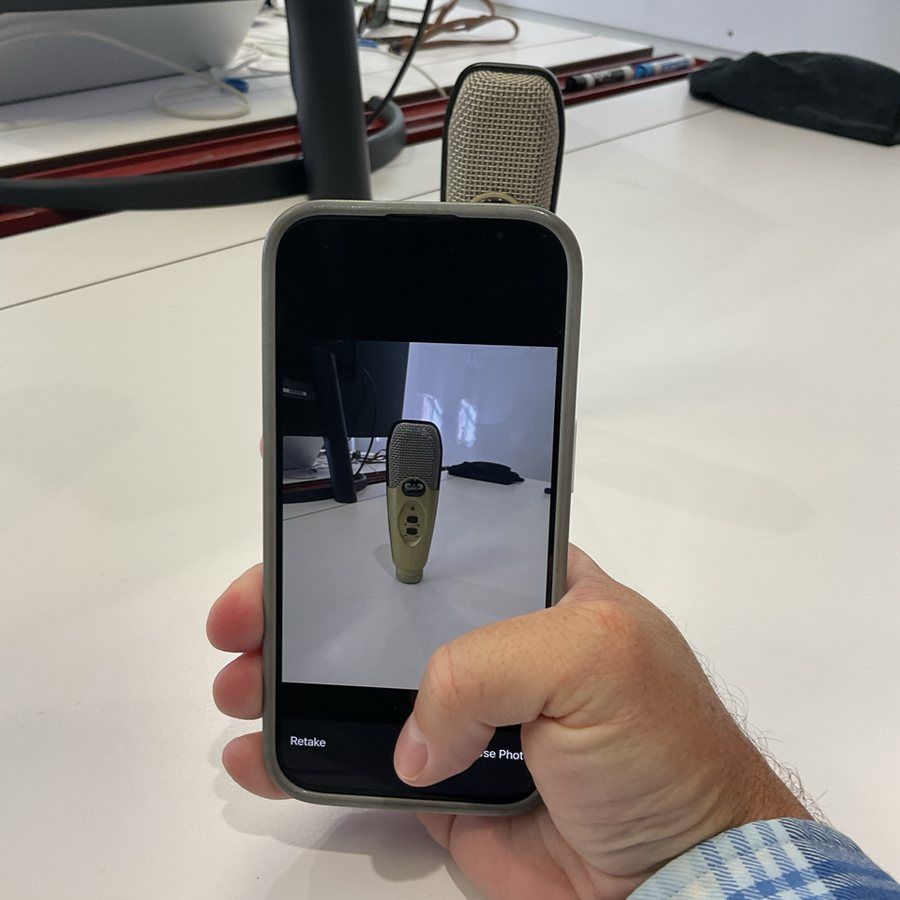
How to Turn a Picture Into a 3D-Printable Model
Snap a few photos of a real object and turn them into a 3D-printable model in minutes. Here's how it works in Polar Cloud, with a real example: a microphone that needed a desk stand.
10/22/2026