New "Advanced" Build Plate Options

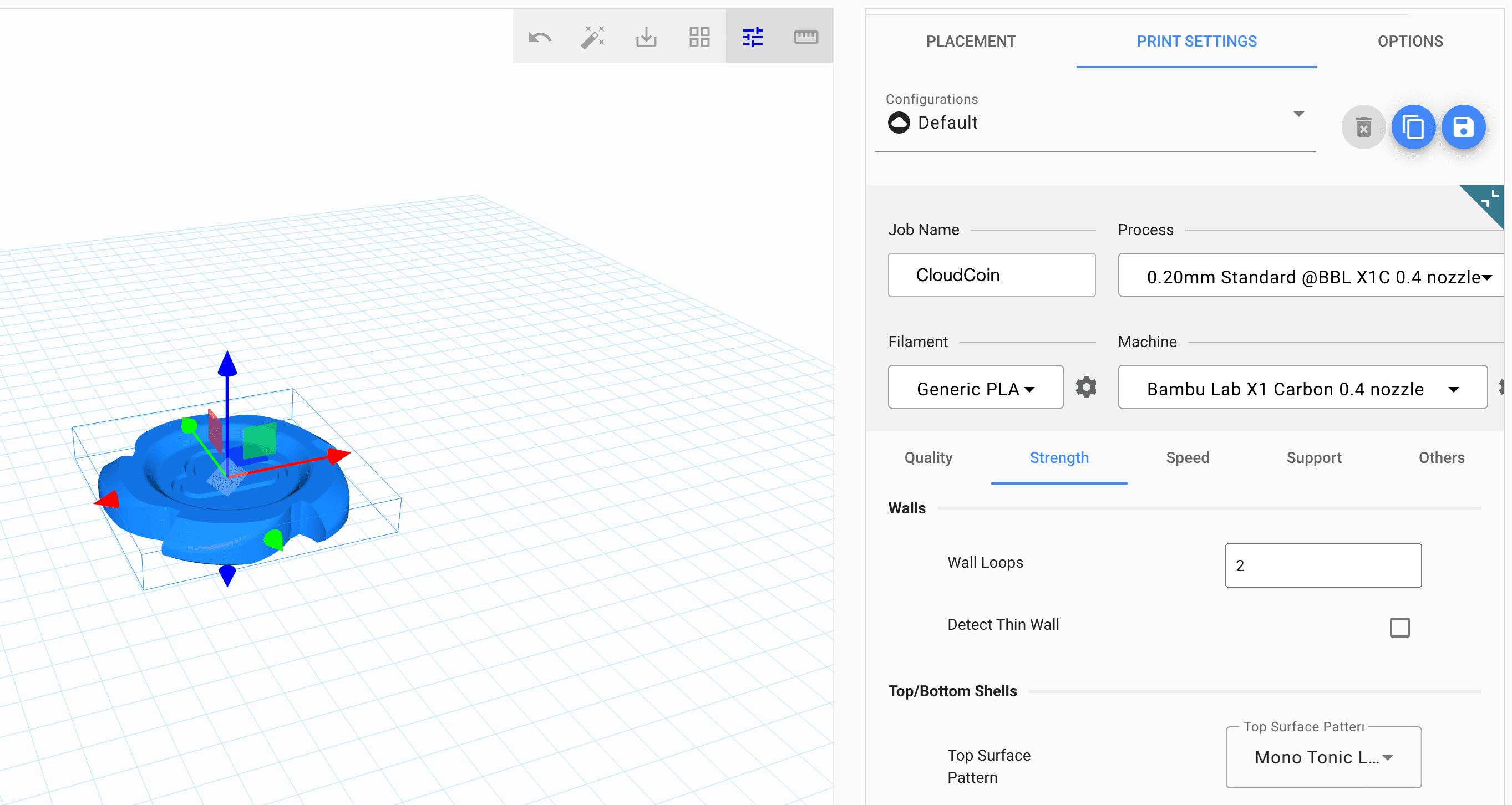
The Polar Cloud has a new look to some areas of the build plate.
- Undo and magic estimator have now been added to the "toolbar" in the top right of the main viewing window
- New tools have been added, like auto-layout, drop-face to build plate, and a toggle between MM and Inches. New tools will be added over time as they become available!
- There is a toggle for the "Advanced Settings", or "Expert Settings" that you might see in any other slicing application. Here, you can peruse all of the different tabs for Quality, Strength, Speed, and Support. Choose from new infill types, change support settings (now offering tree mode!) or turn on vase mode.
- You can edit and create your Filament and Machine process preferences using the Gear icons.
- Keyboard shortcuts have been added. Go to Options > UI Settings and toggle them on to try them out.
Most exciting of all, is that the Build Plate has been rebuilt from scratch with updated libraries that will make future improvements faster and easier to implement. We will keep working to make the Polar Cloud Build Plate the best browser-based slicer on the internet!
Subscribe for updates
Get Polar Cloud news and help delivered straight to your inbox.
More from the blog
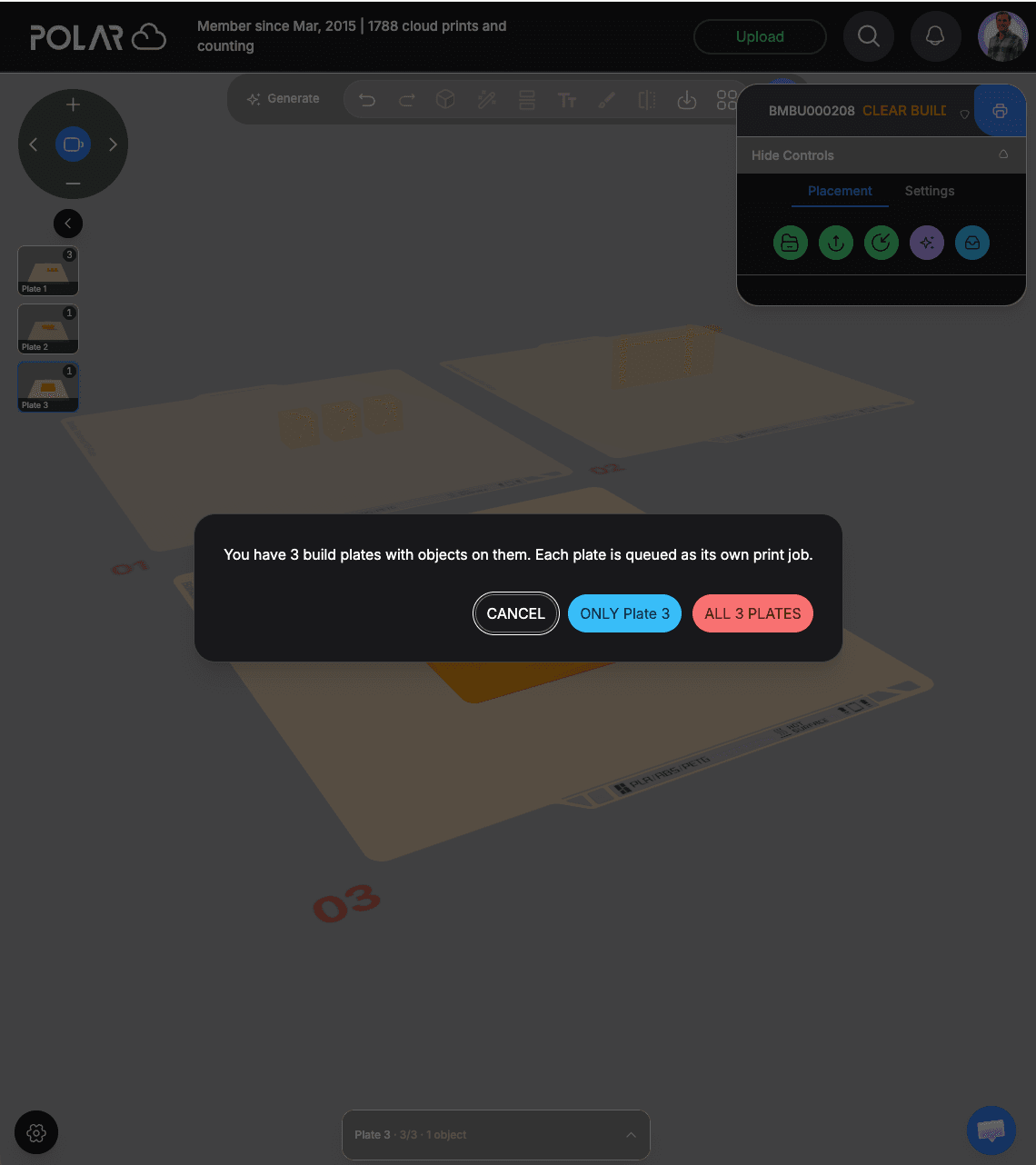
Slice and Queue All Your Build Plates at Once With Polar Cloud
Lay out a whole project across several build plates in your browser, then queue every plate at once. Each plate becomes its own print job, ready to run back to back.
10/28/2026
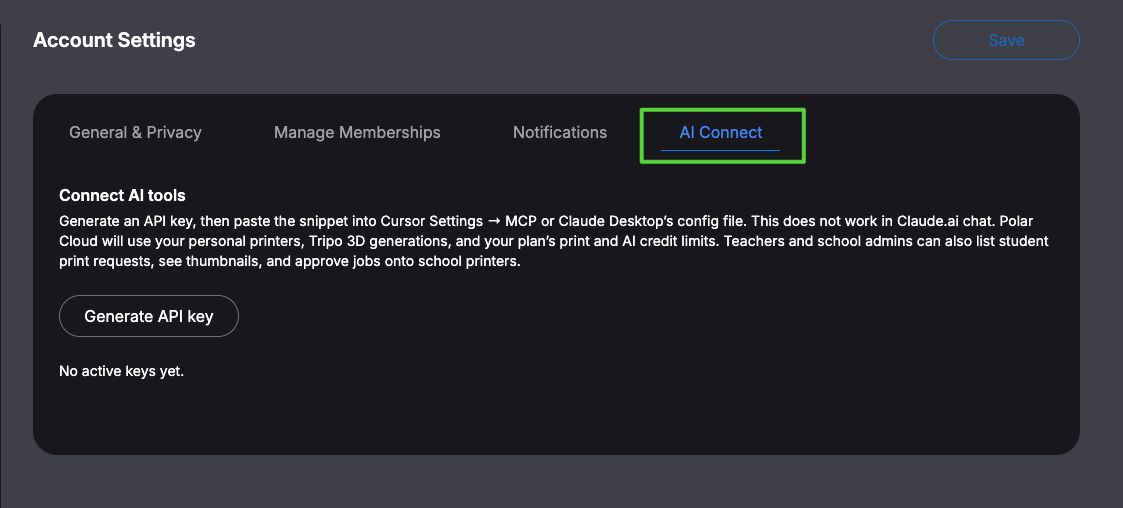
Print From Your AI Tool: Polar Cloud Now Works With Cursor and Claude
Polar Cloud's MCP server lets Cursor and Claude Desktop upload or generate a 3D model, slice it, and queue it on your printer. Here's what it can do and how to connect it in a couple of minutes.
10/28/2026
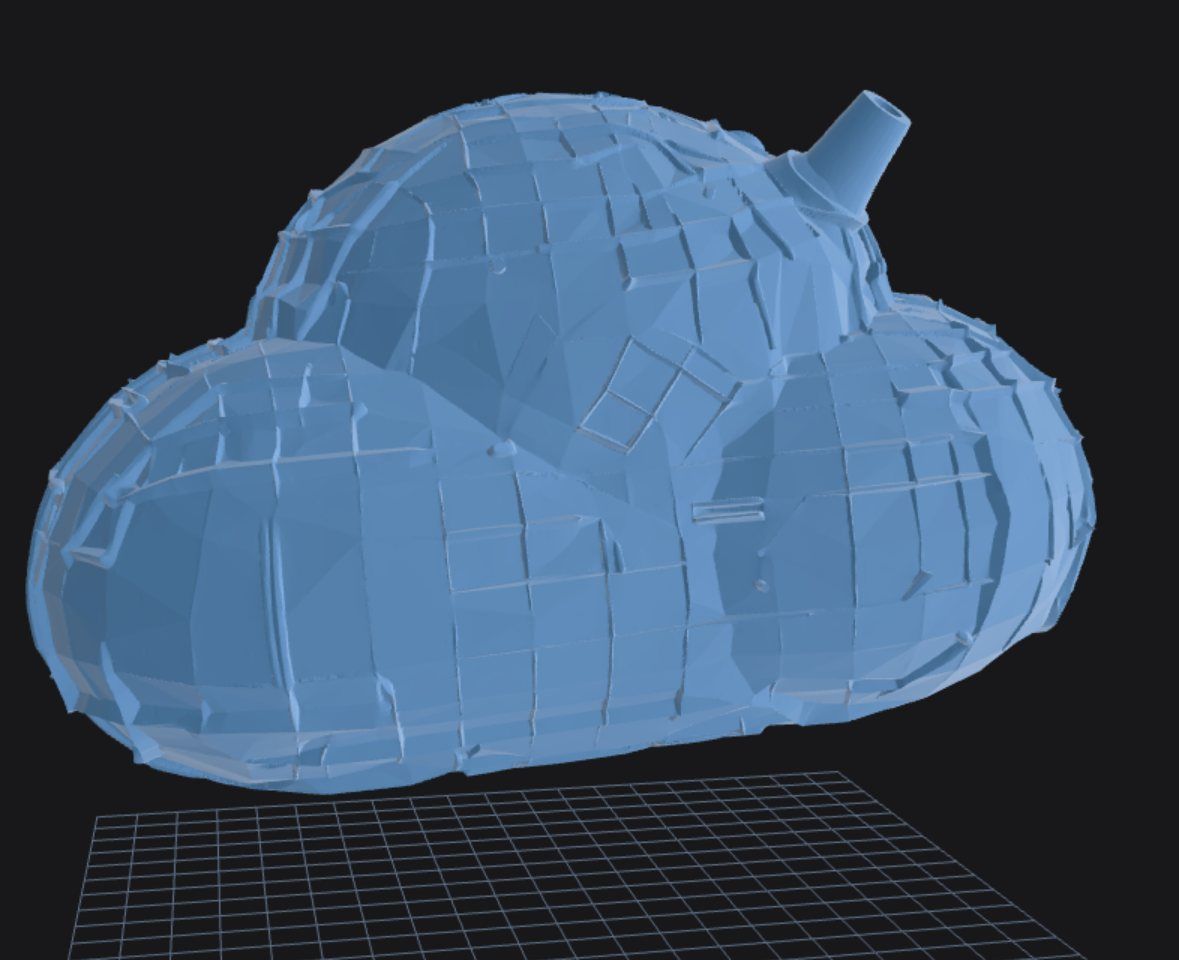
How to Turn a Text Prompt Into a 3D-Printable Model
Describe what you want in plain words and get a 3D-printable model back. Here's how text-to-3D works in Polar Cloud, with tips for writing prompts that print well.
10/22/2026
How to Turn a Picture Into a 3D-Printable Model
Snap a few photos of a real object and turn them into a 3D-printable model in minutes. Here's how it works in Polar Cloud, with a real example: a microphone that needed a desk stand.
10/22/2026