The "Whodunnit" 3D Printing Disaster: Why One Login is a Security Nightmare

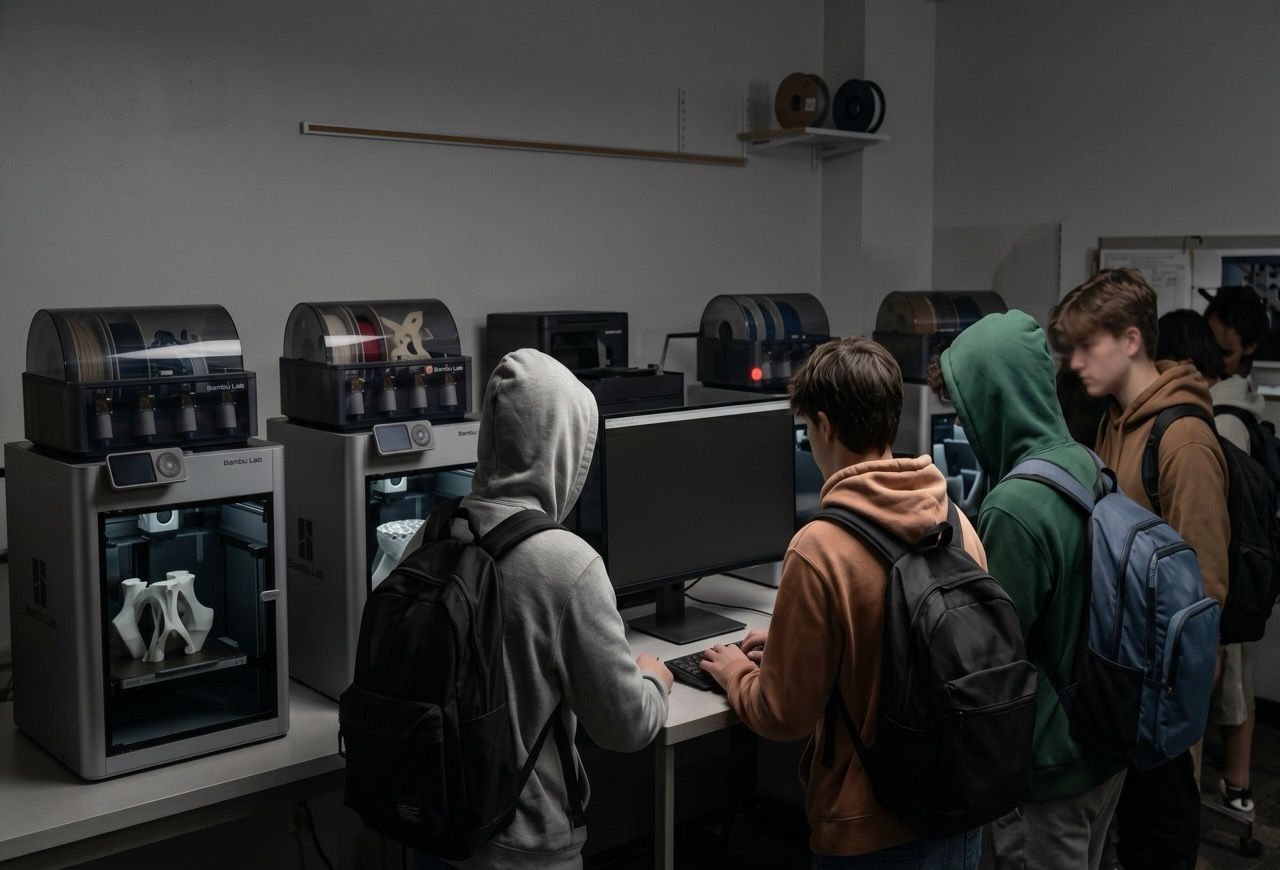
We’ve all seen it: a bustling high school engineering lab, 25 humming computers, and a fleet of high-end 3D printers. It’s a maker’s paradise.. until someone decides to print something "inappropriate."
A recent post in an online printer support community highlighted a classic administrative headache. A teacher realized an offensive model was sent to a printer, but because the entire lab used a single shared login for Bambu Studio, there was no way to track which student was responsible.
In the IT world, this is what we call a "single point of failure" for accountability. If everyone is "Admin," then nobody is responsible.
The Problem: Ghost Prints and Anonymous Users
When you use a single account across dozens of machines, you lose all visibility. Most consumer-grade 3D printing software is designed for a hobbyist at home, not a classroom of 30 teenagers.
- No Audit Trail: You can't see which workstation sent the file.
- Shared History: Every student can see (and potentially delete) everyone else's print history.
- Manual Sleuthing: As this IT professional found out, trying to dig through IP logs on a router to match a print timestamp to a specific computer is a needle-in-a-haystack nightmare.
The Polar Cloud Solution: Accountability by Design
With the Polar Cloud, this scenario simply wouldn't happen. We built our platform specifically to handle the "wild west" environment of a school lab. Here is how we eliminate the "Whodunnit" mystery:
Individual User Identities
Stop sharing passwords. With Polar Cloud, every student logs in with their own school credentials (SSO via Google or Microsoft). When a print job is sent, it is permanently tied to that student’s name. No exceptions.Managed Permissions
Teachers act as "Managers" while students are "Members." You can set it up so that:- Students can only print to specific printers.
- Jobs require Teacher Approval before the printer even starts warming up.
- Only certain students have the "power" to bypass the queue.
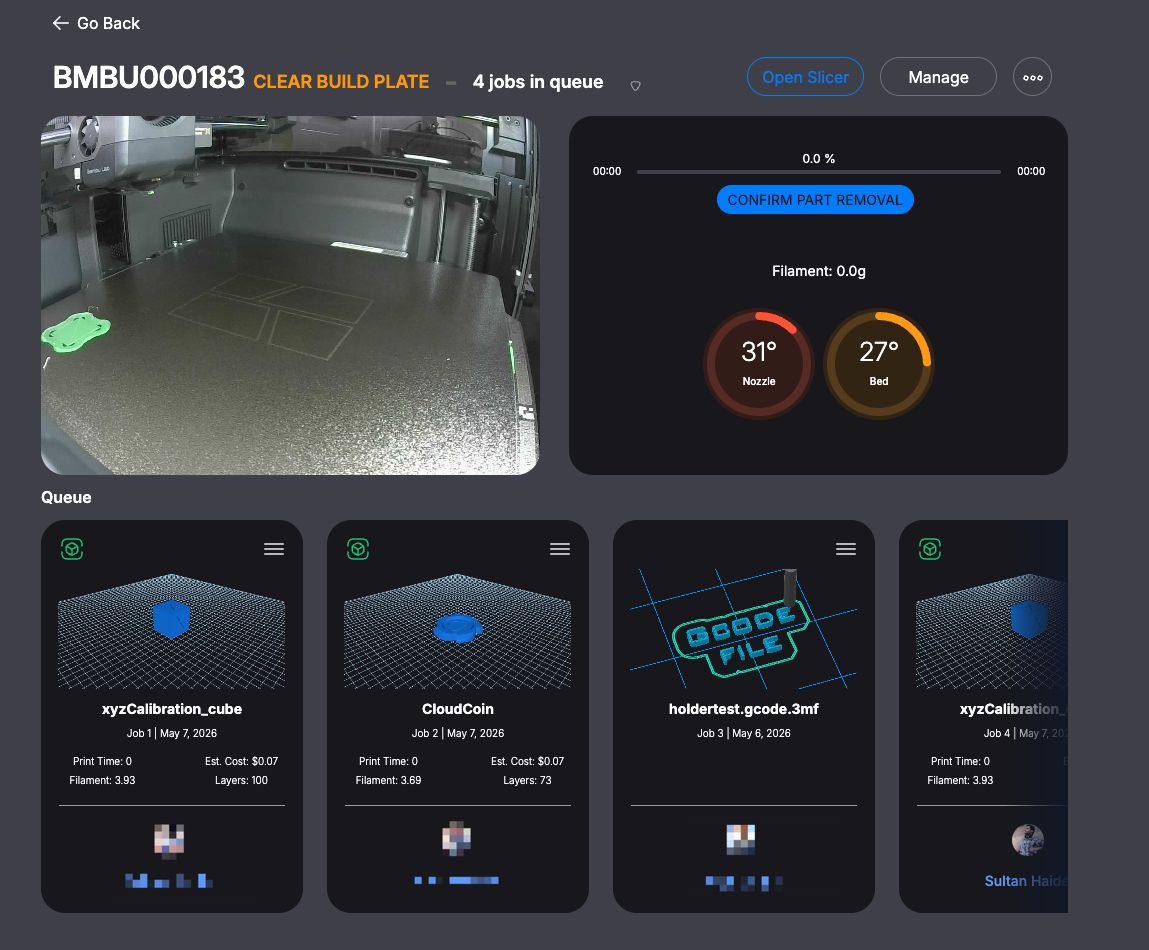
A Digital Paper Trail
Every single interaction is logged. You can look back at the history and see:- Who sent the file.
- What the file looked like (via a visual thumbnail).
- When it was sent and which printer it used.
The "Print Preview" Safety Net
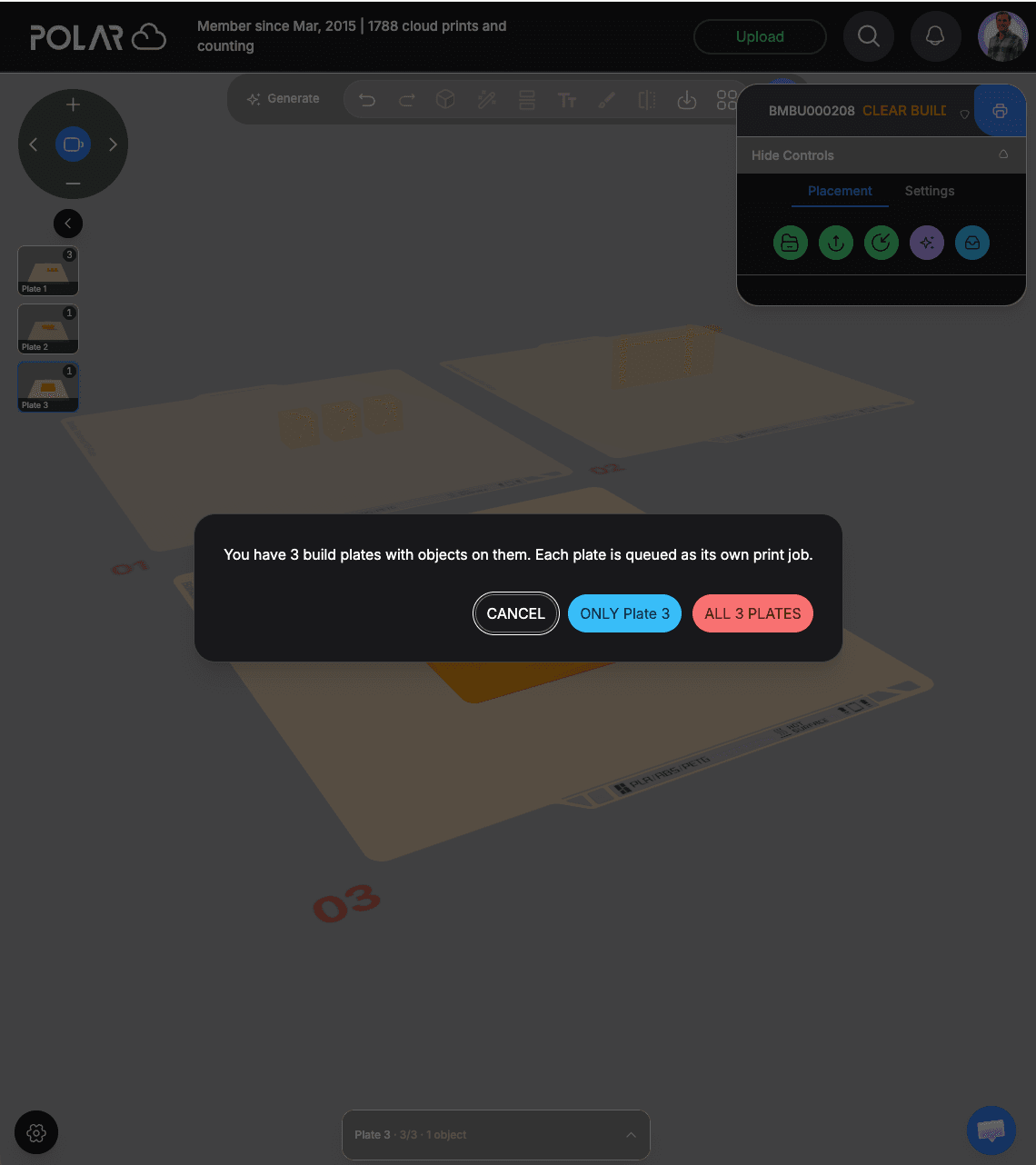
Because the Polar Cloud provides a visual queue, teachers can glance at the dashboard and see a thumbnail of every pending job. If someone tries to print something inappropriate, it’s caught—and tied to a name—before the first layer of filament even hits the bed.
Stop Playing Detective. Start Teaching.
Technology in the classroom should empower teachers, not turn them into forensic investigators. By moving from a shared-account model to a managed ecosystem like the Polar Cloud, you protect your equipment, your students, and your sanity.
Is your lab currently running on a single login? It’s time to upgrade your security. Join the Polar Cloud today.
Subscribe for updates
Get Polar Cloud news and help delivered straight to your inbox.
More from the blog