Why Does the Flashforge Creator 5 Shake So Much?

Perhaps you're the proud new owner of a Flashforge Creator 5 or Creator 5 Pro, and you're noticing the amount of shaking that takes place during a print. You're trying to type on the desk that you share with the printer, or the printer is in the next room over and you hear it brushing up against the wall. You are not alone.
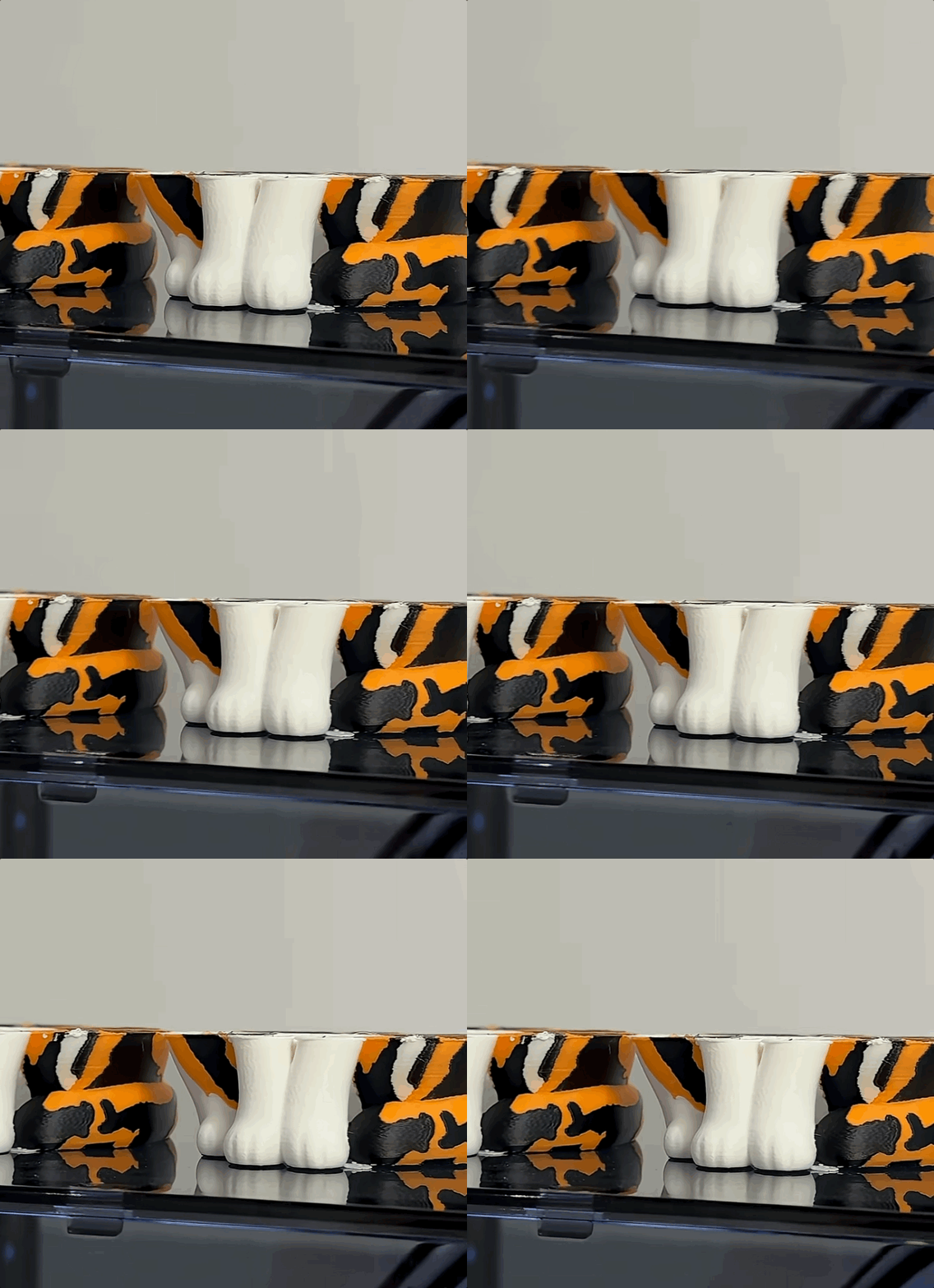
You can even see in one of our recent videos, when we filmed some objects on top of the printer case, the machine is rocking like a spacecraft re-entering orbit. But is it an issue?
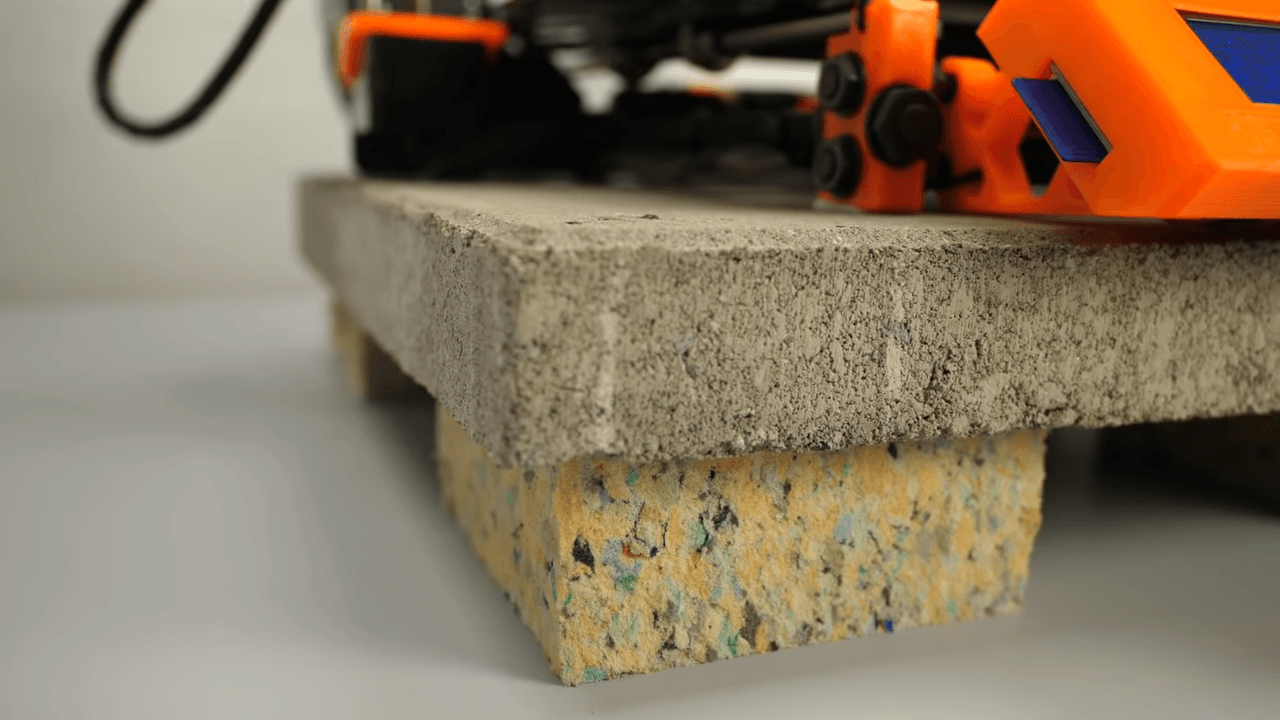
I've been in this profession for 10+ years now, and people have always been trying to optimize the shaking forces both inside of the printer, and transferred from the printer to the table or bench it sits on. You may remember or recognize the trend where people were putting their 3D printer on top of a large landscape paver. Before that, people were putting half-cut tennis balls or rubber medicine-balls on the bottom of their printer frame.
But what's happening with the Creator 5 and Creator 5 Pro? Is it optimized? Will it impact my print quality? Is it supposed to shake this much?
Great questions!
Why Printers Shake
Stated clearly - they are in motion. The print head is moving and changing directions fast, over and over, for the entire duration of the print. This creates a ton of momentum. Something has to give!
The trick comes down to how your printer handles that energy depending on what it’s sitting on:
- Soft feet (Isolation): If your printer is on soft feet, it floats on top of them. The printer sways freely so it doesn't transfer all those aggressive movements into a lightweight desk or flimsy table.
- Hard feet (Coupling): If your printer is on hard feet, it locks directly to the surface beneath it. If you put hard feet on a weak desk, the whole desk will wobble. But if you put hard feet on a rock-solid, heavy workbench, the table absorbs the energy and the printer stays dead still.
Is it normal?
Yes. Flashforge support will tell you it’s perfectly normal, and for the most part, they’re right!
Because the soft rubber feet allow the entire printer frame to move together in unison (meaning the print head and the frame shake in the same direction at the same time), your prints usually aren't impacted.
That said, if you're pushing ultra-high speeds, excessive swaying on soft feet can introduce subtle frame flex, showing up as tiny ripples (ghosting or ringing) on your print walls.
What can I do about it?
You have a few great options depending on your setup:
- The Concrete Slab Trick (The gold standard): Buy a cheap, heavy concrete paving stone from the hardware store. Put a piece of dense foam under the stone, and set your printer right on top of the stone with its factory rubber feet. The heavy slab absorbs the frame's shaking, and the foam dampens the vibration so your desk stays quiet.
- Switch to Harder Feet: If you already have a massive, rock-solid table that doesn't budge, you can swap to firmer feet. Merging the printer's mass with your heavy table stops the frame from swaying entirely. Some online vendors sell harder feet under part number 20006264001.
- Dial Back Acceleration: You can lower your print acceleration or input shaping settings in the slicer. This smooths out those harsh direction changes, reducing the forces at the source without killing your overall print speed.
All in all.. please do not let a little vibration ruin your enjoyment of this great printer!
Subscribe for updates
Get Polar Cloud news and help delivered straight to your inbox.
More from the blog